Introduction to OMNIXYNC POST to SKYBIZ
POST to SKYBIZ creates SKYBIZ documents from your marketplace orders, so you do not need to key them in again. After posting, the Doc No. is shown on the order.
How to POST Orders to SKYBIZ?
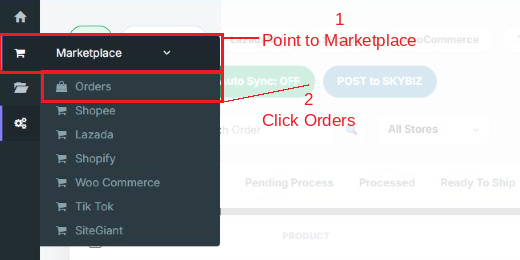
Step 1: Navigate to Marketplace > Orders
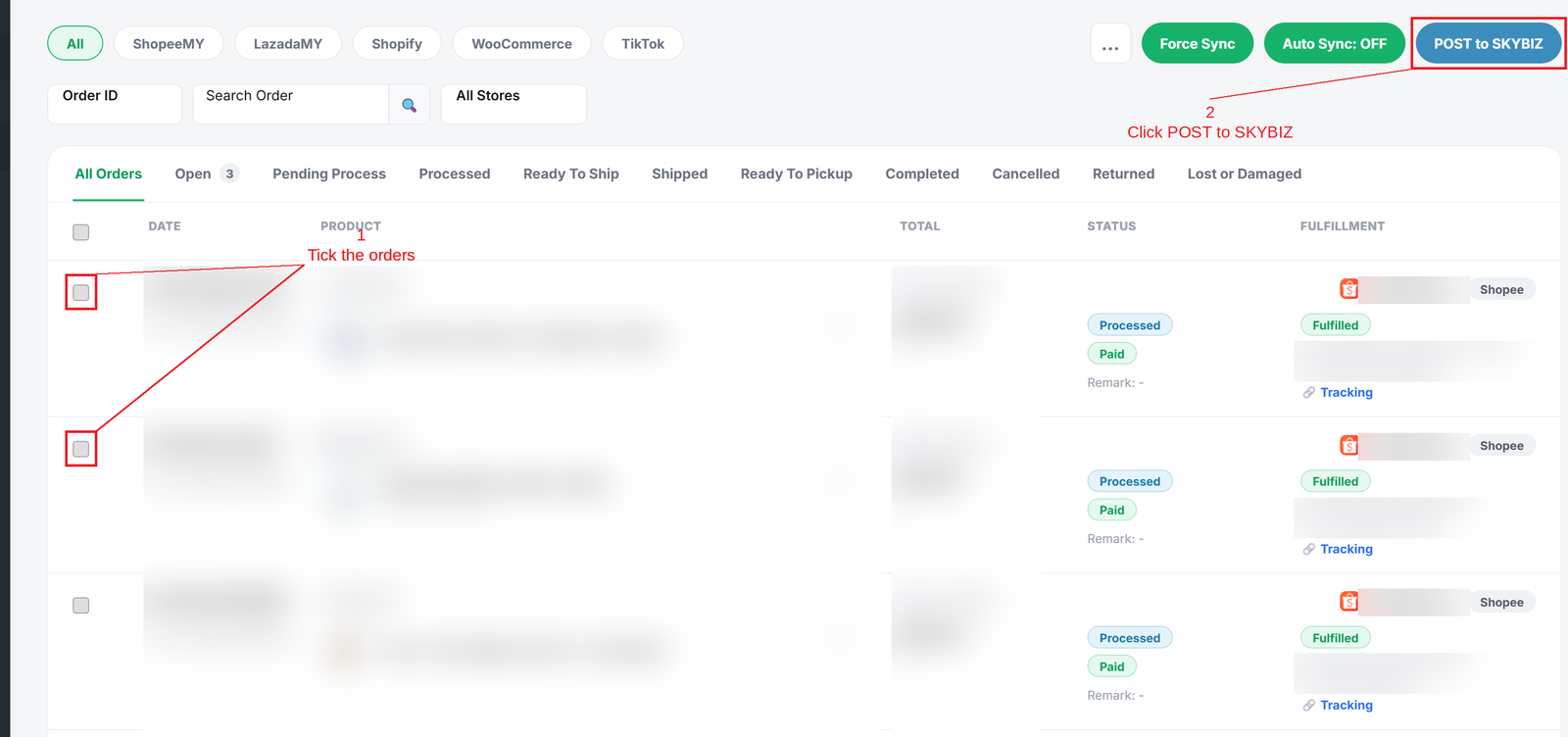
Step 2: Tick the orders you want to post, then click POST to SKYBIZ. The result is shown above the order list
Conclusion
In conclusion, POST to SKYBIZ moves your marketplace orders into SKYBIZ quickly, with less manual work and fewer mistakes.
Powered By: SKYBIZ ®