Below are guideline(s) to sign out user from remote if user experiencing system hang Go to Start Menu Click Username Sign Out Or Click Start Menu then Log off follow below s..
Category : 12. Others
Below are Guideline(s) on How to Setup New Mobile Order Device (V1) Step 1: Connect Server On top left corner >> click 3 dots icon >> go to SETTING MAC Address to be given to SKYBIZ support team to setup connection Step 2: Setup cash receipt running number On the top toolbar, go ..
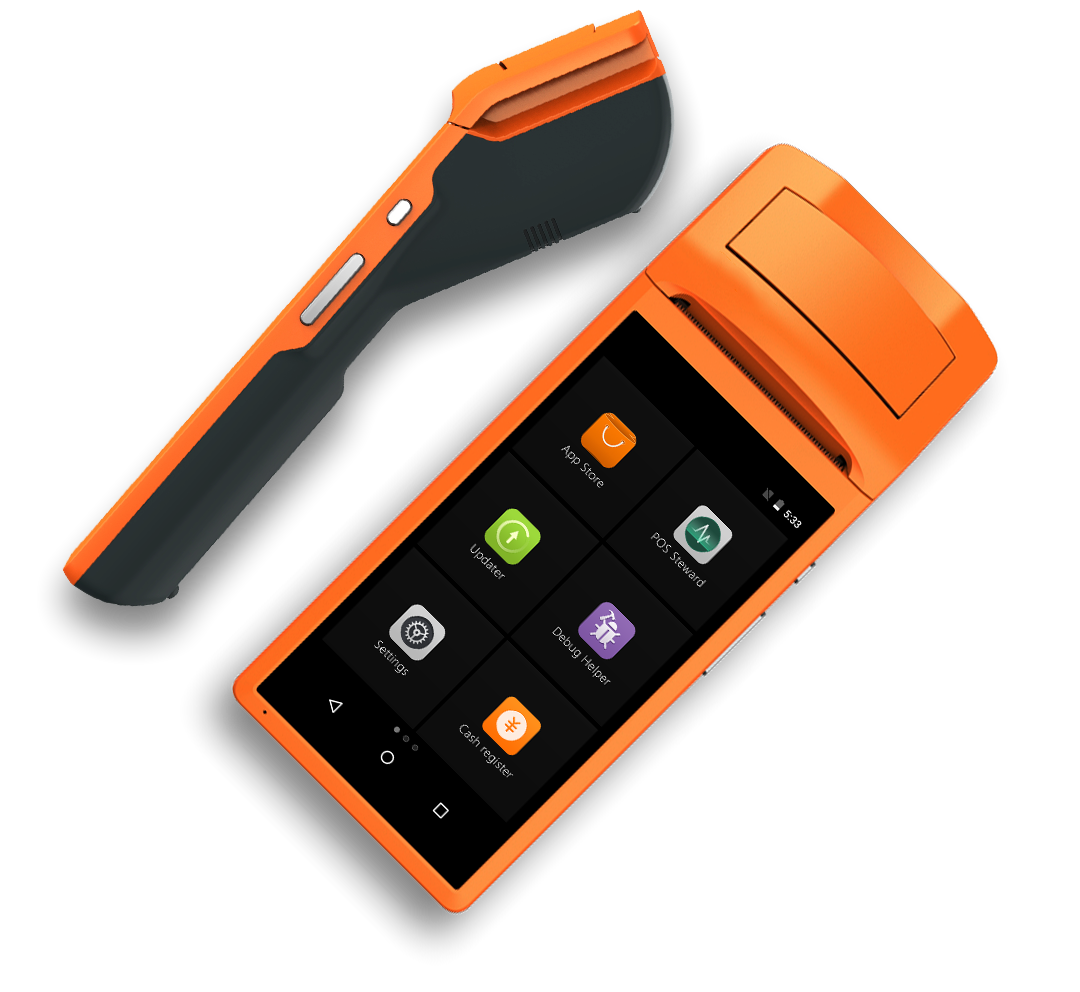
Below are Guideline(s) on How to Use Mobile Order Device (V1) Step 1: Cash Receipt Step 2: Take Order On the top toolbar, go to “ITEM“, then take order. Step 3: Finalise Order, Hold Payment On the top toolbar, go to “ORDER SUMMARY“, then click “HOLD“ 2. Enter the table number. Step ..

Below are Guideline(s) on How to use Counter Tablet (T1) Step 1: Take Order Take order and select item from the menu (right side) 2. To edit ordered item, click the item and edit changes. Step 2: Finalise Your Order You may choose to pay now or pay later Pay now: click “CHECK OUT” ..
Below are Guideline(s) on How to Set Tariff Code “Every Company must know their own Tariff Code and Tariff Description” Step 1: Login MyDistribution to Add Tariff Code 1.a) Go to Maintenance 1.b) Miscellaneous Maintenance > Tax Maintenance 1.c) Customs Tariff Code 1.d) Key in Company Tariff Code and Description 1.e) Add New Step 2. ..
Below are Guideline(s) on How to Set Default Tax Code On Maintenance ** Make sure user id set as Tax Authorised Person Y/N** Step 1: 1.Go to System 2.Security Manager >User Profile Management 3.List (select user id) 4.More Step 2: Scroll down 5.Tick Number 150 (Tax Authorised Person Y/N) 6.then Update ** Guides to Update ..
Below are Guideline(s) on How to Generate Tax Code Via MyDistribution System Step 1: Go to Maintenance > Miscellaneous Maintenance > Tax Maintenance Step 2: Link Input Tax Account and Output Tax Account (link Account based on company Input and Output tax Account) > Generate Tax code Via MyFinancial Go to Maintenance > Miscellaneous Maintenance ..
Below are Guideline(s) on How to Install and do Setting for Cobian Backup 10 : A. Step to Install Cobian Backup : In Cobian Backup 10 Setup.. 1.Please Select a Language >> Click Next 2.Please read the license agreement..Tick “I Accept” >>> Next 3Tick “Create start menu icons”, “Install the Volume Shadow Copy requester” >>Click ..
Below are Guideline(s) on How to Install and do Setting for SkyBiz Backup Step A: Go to www.skybiz.com.my > login support 1) Click no 7) SkyBiz – Backup to download file 2) Open the Downloaded file 3) Extract the Downloaded file 4) Choose on which folder want to Extract the file 5) Click OK ..
Below are guideline(s) to Resize an image : 1. in this tutorial, I use Photoshop for resizing images, Open your photoshop. 2. Click on File > Open to open your images 3. First open the “Standard” image 4. Click on File > Open to open your images again 5. Now open the images that you ..