Below are guideline(s) to setting “Require Password When Open Drawer”: Step 1: Go to System >> Security Manager >> User Profile Management select user from “List” >> click “More” Step 2: go to “Functions – POS Module” >> choose YES for “Required password when open drawer” >> click “Upd..
Category : 12. Others
Below are guideline(s) on How to Import Fixed Asset from Excel to MySQL Step 1: Go to Data Excel Conversion Sheet Go to Local Disk C>>MyERP>>Sample>>Data Conversion Sample Step 2: Key in all data on Excel Conversion under Fixed Asset Click “Fixed Asset” on worksheet tabs at bottom of excel >> key in all the data ..
Below are guideline(s) to get “data excel conversion”: 1. download skysyn from support login and do installation 2. go to c:>MyERP>Sample>Data ..
Below are guideline(s) on how to import Item/Product Master from Excel to SkyBiz System: Step 1: Go to Data Excel Conversion Sheet Go to Local Disk C>>MyERP>>Sample>>Data Conversion Sample Step 2: Key in all data on Excel Conversion under Item Maintenance Click “Item Maintenance” on worksheet tabs at bottom of excel >> key in all ..
Below are guideline(s) on How to Import Purchase Order from Excel to MySQL Step 1: Go to Data Excel Conversion Sheet Go to local disc C >> MyERP >> Sample >> Data Conversion Sample Step 2: Key in all data on Excel Conversion under Purchase Order Click “Purchase Order” on worksheet tabs at bottom of ..
Below are guideline(s) to install SkySyn Step 1: Go to www.skybiz.com.my >> on top right corner of the website, click “Client Login” >> click “Support Login” Step 2: Login to your account Key in your user ID and password then login. Step 3: Download Skysyn Click “Download 1” on left side bar of ..
Below are guideline(s) on How to Import Sales Order from Excel to MySQL Step 1: Go to Data Excel Conversion Sheet Go to Local Disk C>>MyERP>>Sample>>Data Conversion Sample Step 2: Key in all data on Excel Conversion under Sales Order Click “Sales Order” on worksheet tabs at bottom of excel >> key in all the ..
Below are guideline(s) to sign out user from remote if user experiencing system hang Go to Start Menu Click Username Sign Out Or Click Start Menu then Log off follow below s..
Below are Guideline(s) on How to Setup New Mobile Order Device (V1) Step 1: Connect Server On top left corner >> click 3 dots icon >> go to SETTING MAC Address to be given to SKYBIZ support team to setup connection Step 2: Setup cash receipt running number On the top toolbar, go ..
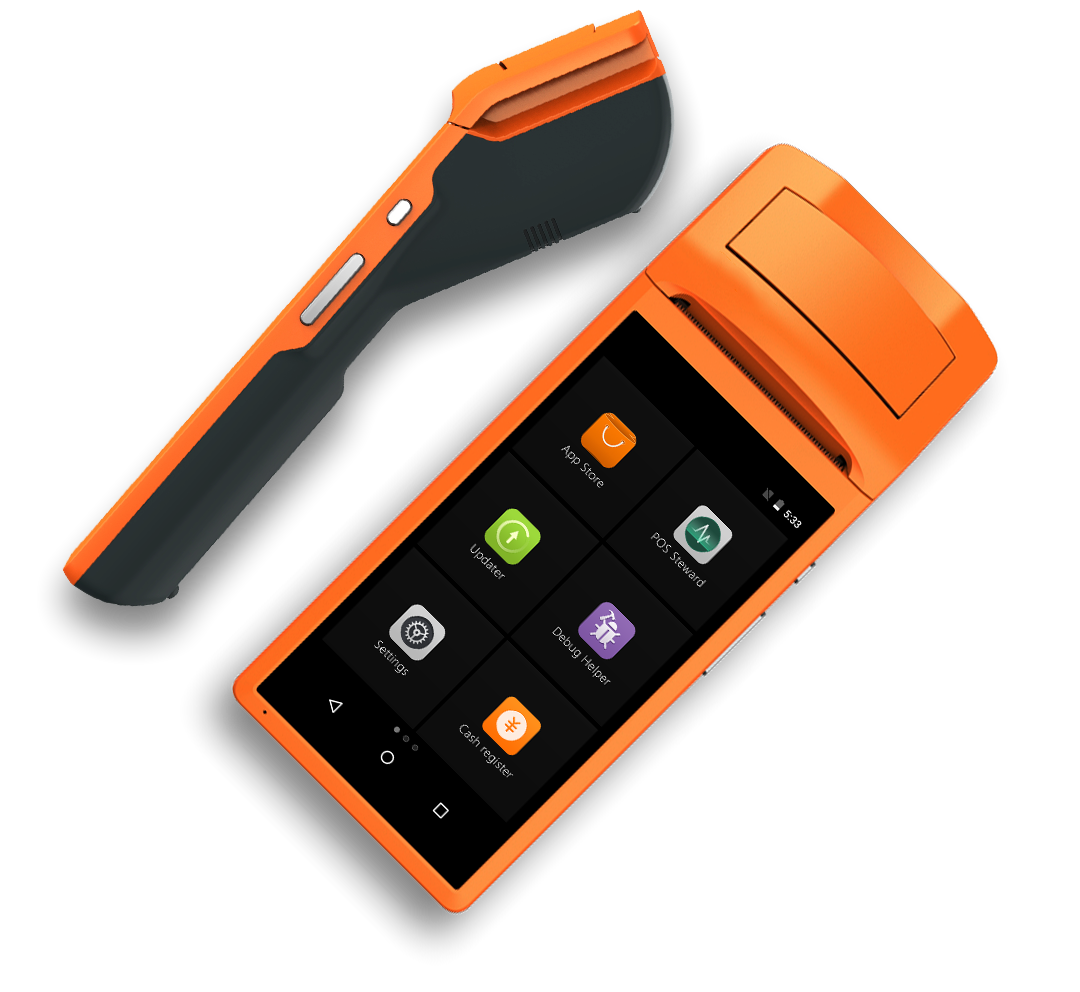
Below are Guideline(s) on How to Use Mobile Order Device (V1) Step 1: Cash Receipt Step 2: Take Order On the top toolbar, go to “ITEM“, then take order. Step 3: Finalise Order, Hold Payment On the top toolbar, go to “ORDER SUMMARY“, then click “HOLD“ 2. Enter the table number. Step ..