Below are guideline(s) to do workstation connect to server:
Go to “Server Computer“, check “LAN IP Address“.
On the right bottom corner of server monitor, click “Network Icon” and then click “Open Network and Sharing Center“. (Follow screen shot steps 1,2,3)
Click on “Local Area Connection>>Properties” and write down “IP address“. (Follow screen shot steps 4,5,6)
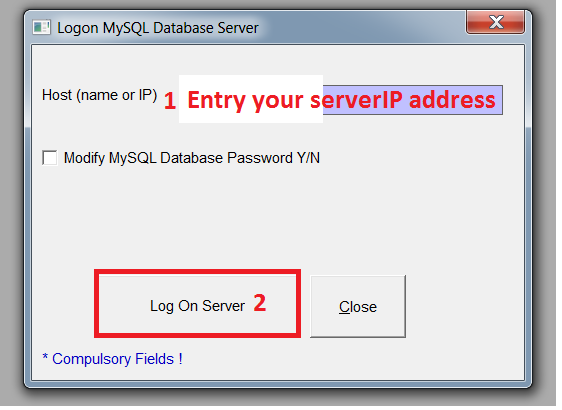
Go to “Workstation Computer“,Run the SKYBIZ Distribution program, first time run, it will prompt below screen [Logon as Server IP address] for user to key in the correct server name. By default if the computer is standalone or server, then the server name you can leave it and named it as [Server IP address], and proceed click [Log on Server]. If everything ok, system will prompt [Log on successful]. Powered By : SKYBIZ ®


 Powered By : SKYBIZ ®