Below are guideline(s) to export to PDF / MS.WORDS/MS. Excel (Through Windows redirect)
Step 1-A : Export PDF
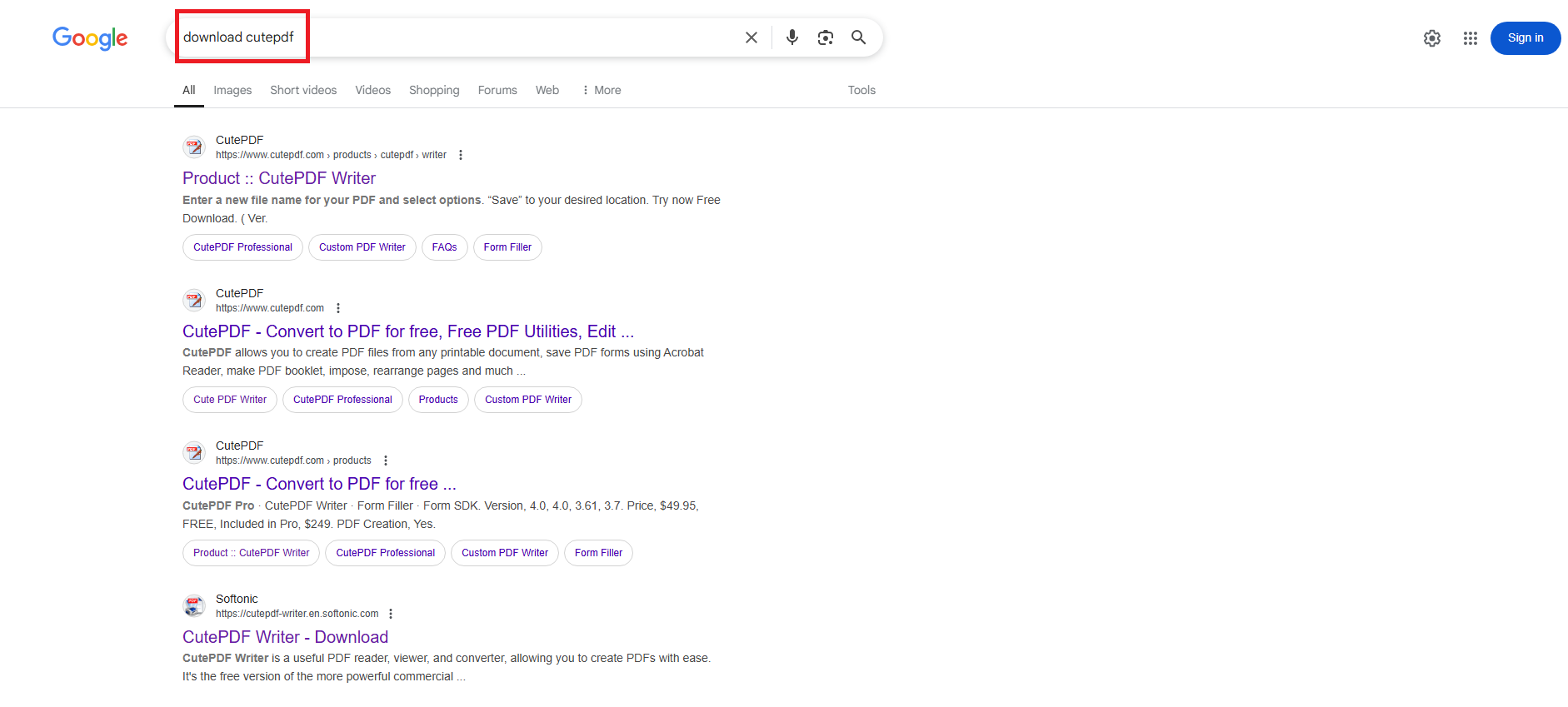
Go any browser download CutePDF Writer.
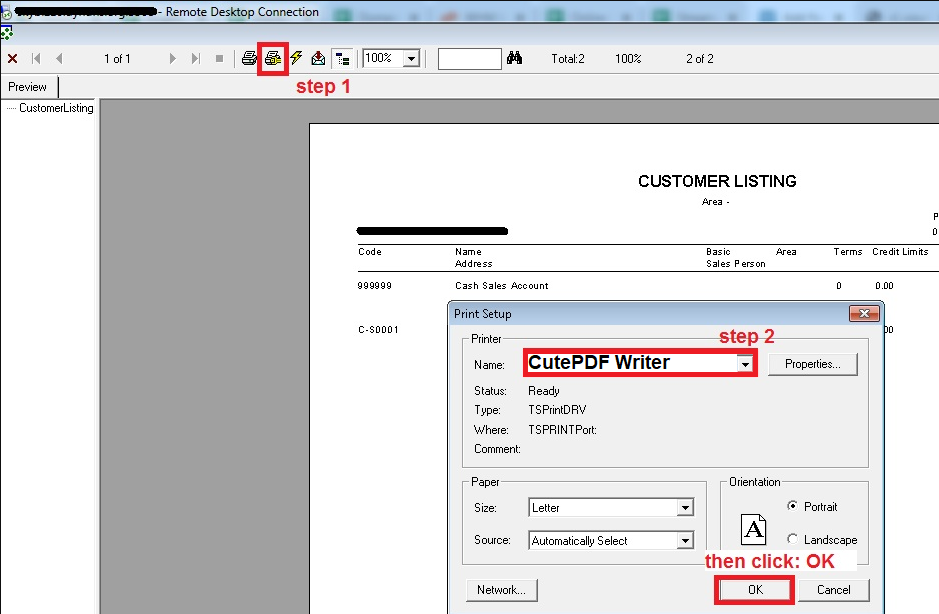
- 1.Click icon to set printer
- 2.Select Cute PDF writer or any pdf printer on your pc
- 3.Click Ok
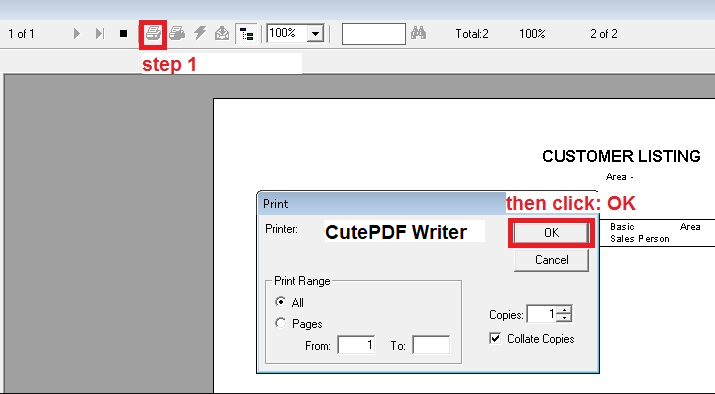
- 4.Click Icon to Print
- 5.Click Ok to continue
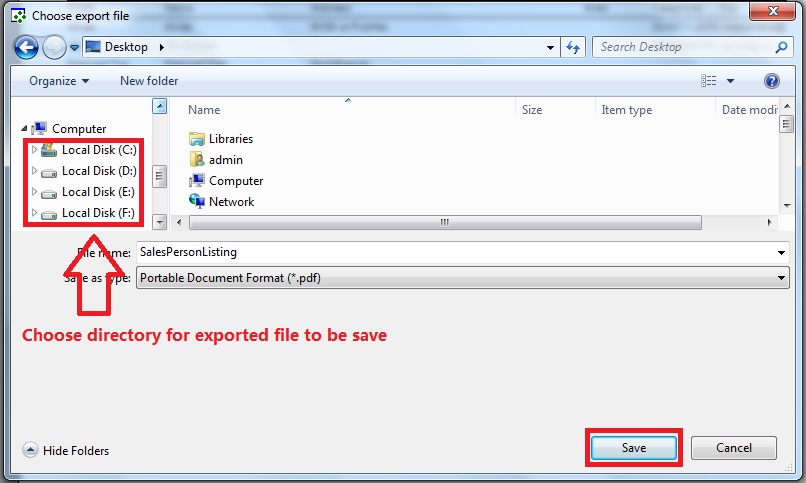
Step 1-B : Choose directory folder for exported file to save
Step 2-A: Export Excel
- 1.Click Icon to export
- 2.Select Format (Excel) and destination (Disk file)
- 3.Click Ok to continue

Step 2-B: Choose directory folder for exported file to save
