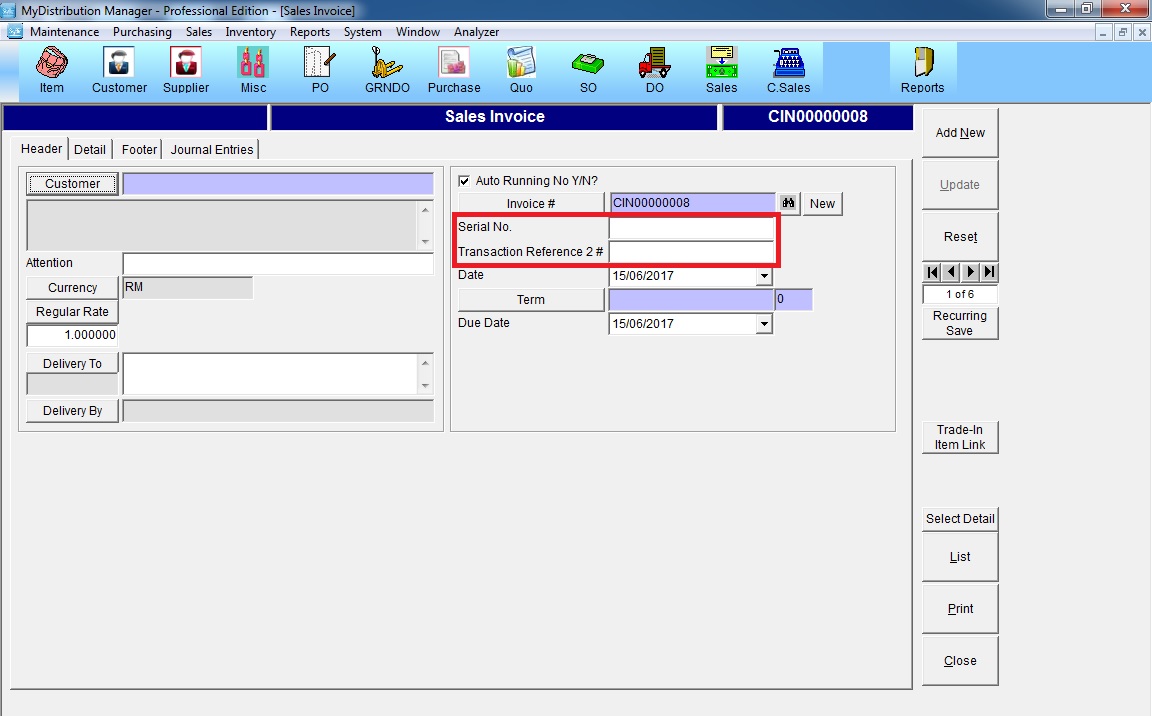
Below are guideline(s) to activate Additional Reference on Sales Invoice screen :
Step 1 : Go to System >> Administrator Menu >> User Define Caption >> Individual Screen Setting
Choose “Sales Invoice” >> tick “Transaction Reference #” (It depends on how much you would like to add) >> change the user define caption >> tick “Save Individual Screen Setting”

Step 2 : Sales Invoice