By default, Google Chrome blocks pop-ups from automatically showing up on your screen. When a pop-up is blocked, the address bar will be marked Pop-up blocked Pop-up blocked. You can also decide to allow pop-ups.
Below are guideline(s) to allow pop-ups :
- On your computer, open Chrome.
- Go to a page where pop-ups are blocked.
- In the address bar, click Pop-up blocked Pop-up blocked.
- Click the link for the pop-up you want to see.
- To always see pop-ups for the site, select Always allow pop-ups and redirects from [site].
- OR
- Type below shortcut link into chrome browser to setting
- chrome://settings/content/popups
-
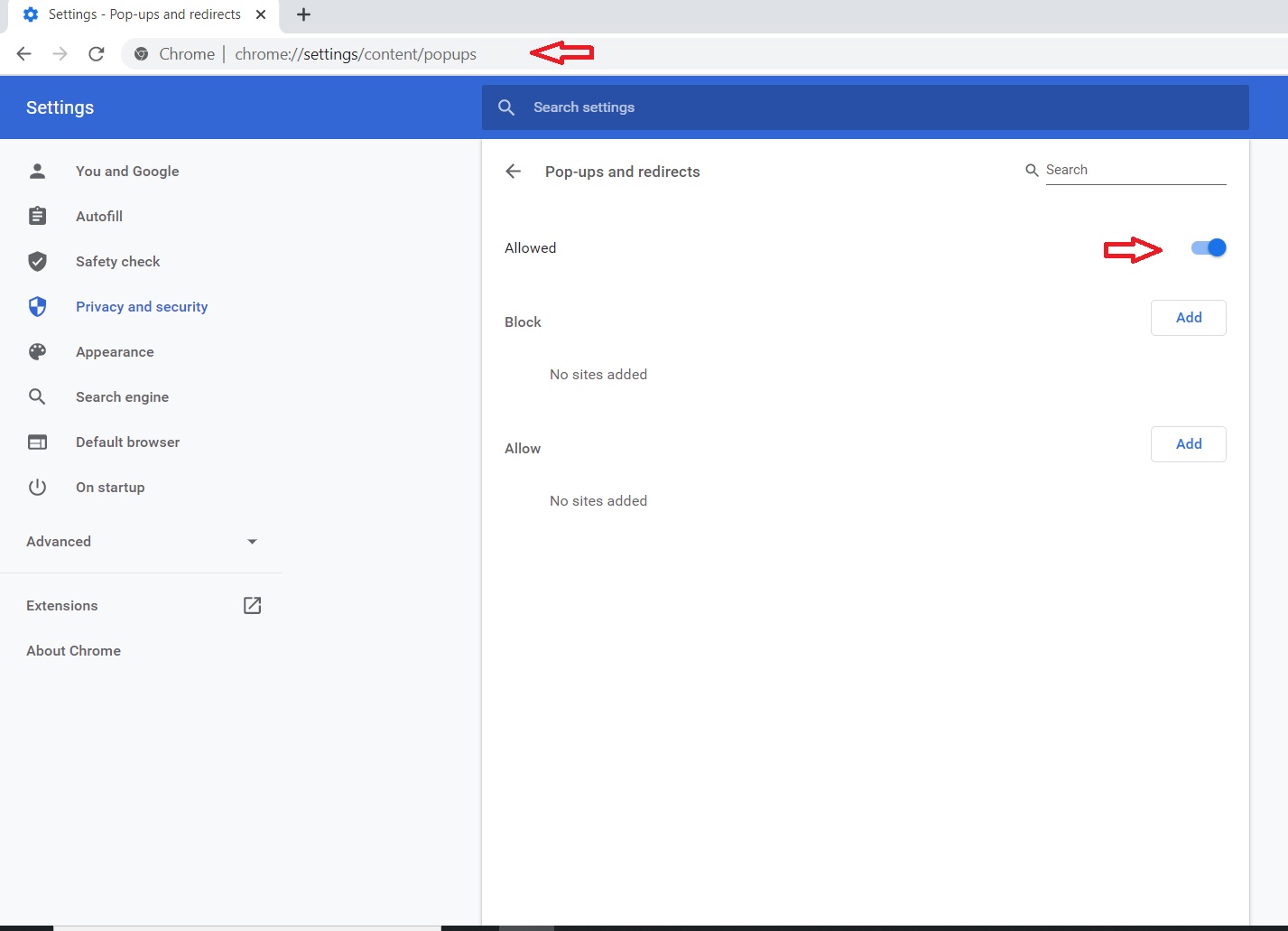
Chrome Pop-ups
Powered By : SKYBIZ ® Beyond Cloud ™