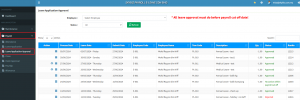
Below are guideline(s) to submit e-leave application :
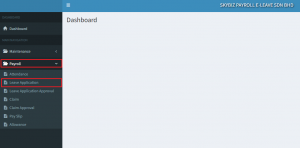
1. On Dashboard go to “Payroll” then “Leave Application”
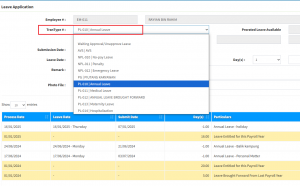
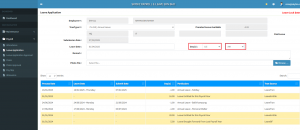
(a) Select ” Trans Type # : = “Leave Type”
(b) Select : “Leave Date” ( Can select more than 1 date )
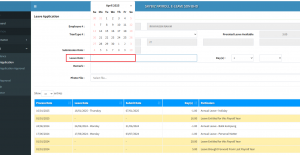
(b1) If ” half day leave” choose”Day(s)” = 0.5 and AM or PM
Otherwise leave it “1” and “blank”
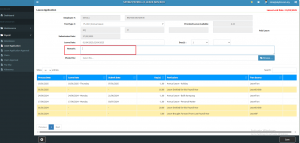
(c) Key in : “Remark” ( Reason of Leave )
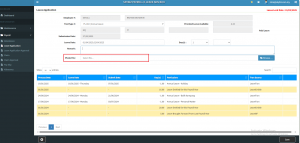
(d) Employee is required to attach prove of leave on”Photo File” for those on a specified leave applied.
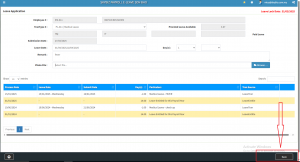
5. Ensure all leave information filled are correct and “Save” Your e-Leave application is completed.
6. You may check your e-Leave application status from “Payroll” then “Leave Application Approval“