Below are guideline(s) to submit e-Claim application :
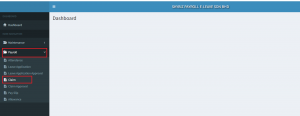
1. On Dashboard go to “Payroll” then “Claim”
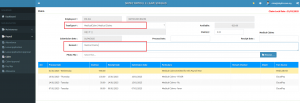
(a) Select : Trans Type # : = Choose type of claim and “Remark” = Claim for/ Purpose
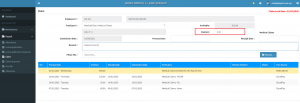
(b) Insert : “Claim(s)” : = Claim Amount
(c) Insert : “Process Date: ” = “Receipt Date: ” = Receipt issue date
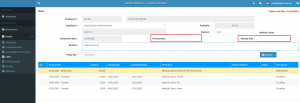
(d) Employee is required to attach claim receipts on”Photo File” on each claim applied
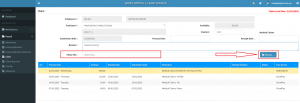
2. Ensure all claim details are correct and “Save“. Your e-claim application is completed.
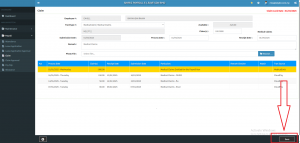
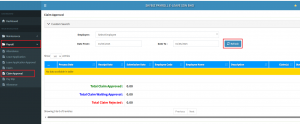
3. You may check your claim application status from “Payroll” , “Claim Approval” and “Refresh”