Introduction to SKYBIZ e-Attendance application
SKYBIZ e-Attendance application is a mobile and cloud-based software solution designed to automate, track, and record employee working hours in real time. By transitioning away from conventional punch cards, biometric wall terminals, and manual paper spreadsheets, the app provides employees with the flexibility to clock in and out directly from their smartphones or a shared tablet kiosk. Modern e-Attendance apps typically incorporate advanced verification features such as Global Positioning System (GPS) geofencing—which ensures employees are physically present within authorized job sites or office boundaries when checking in—as well as facial recognition or fingerprint verification to eradicate fraudulent time-reporting practices like “buddy punching.” This immediate data capture streams securely to a centralized dashboard, granting management instant visibility into staff attendance, tardiness, and remote field operations.
From an administrative and technical perspective, an e-Attendance app serves as the foundational data feeder for core human resource and payroll systems. Because every clock-in, break, and clock-out event is timestamped and paired with location coordinates, the software automatically aggregates daily, weekly, and monthly work hours, including intricate overtime calculations and shift adjustments. This real-time synchronization significantly cuts down administrative overhead for HR teams, eliminating the tedious and error-prone process of manual data entry before monthly payroll cycles. Furthermore, with built-in offline caching capabilities, the application guarantees that workforce data is never lost in low-connectivity areas, providing an agile, secure, and highly scalable solution that accommodates standard office workers, field service technicians, and multi-site operations alike.
How to Set Up the e-Attendance App on Your Smartphone?
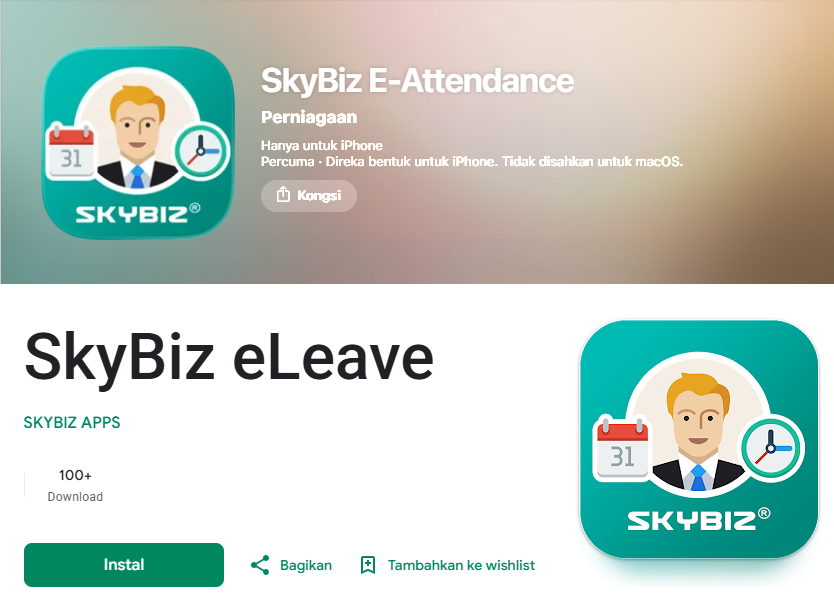
Step 1: To set up the application on your smartphone, open the Google Play Store (Android) and search for SkyBiz E-Attendance, or open the Apple App Store (iOS) and search for SkyBiz eLeave. Once found, download and install the app on your device.
- Android = https://play.google.com/store/apps/details?id=com.skybiz.skybizattendance
- Apple = https://apps.apple.com/my/app/skybiz-e-attendance/id6749221036
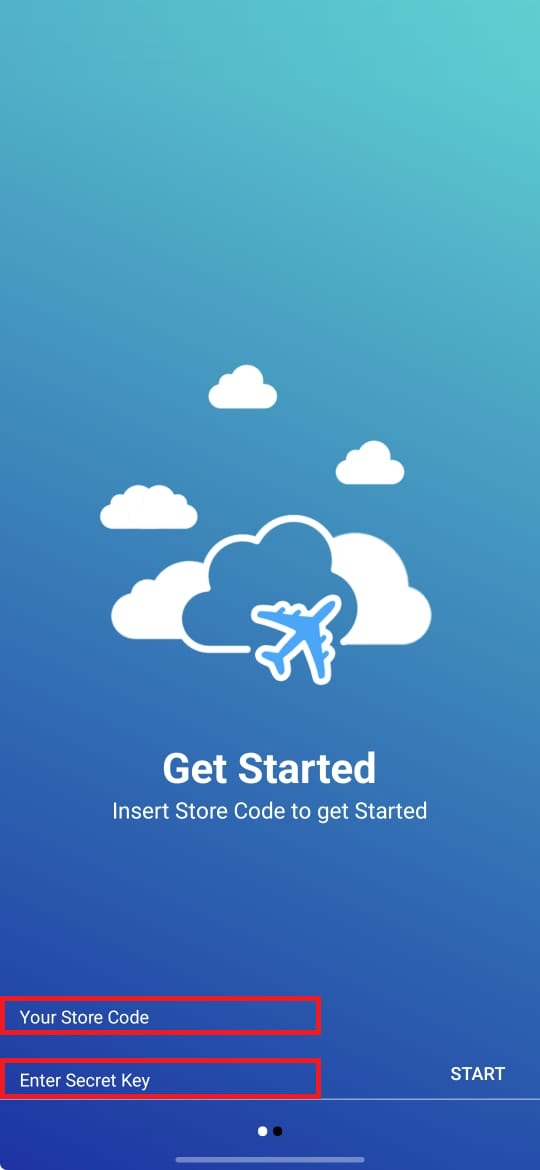
Step 2: Open the SkyBiz app on your device and tap NEXT at the bottom of the screen to cycle through the introductory pages. Once you reach the configuration screen, enter your Store Code and Secret Key (both credentials are provided by SKYBIZ), then tap Start to continue.
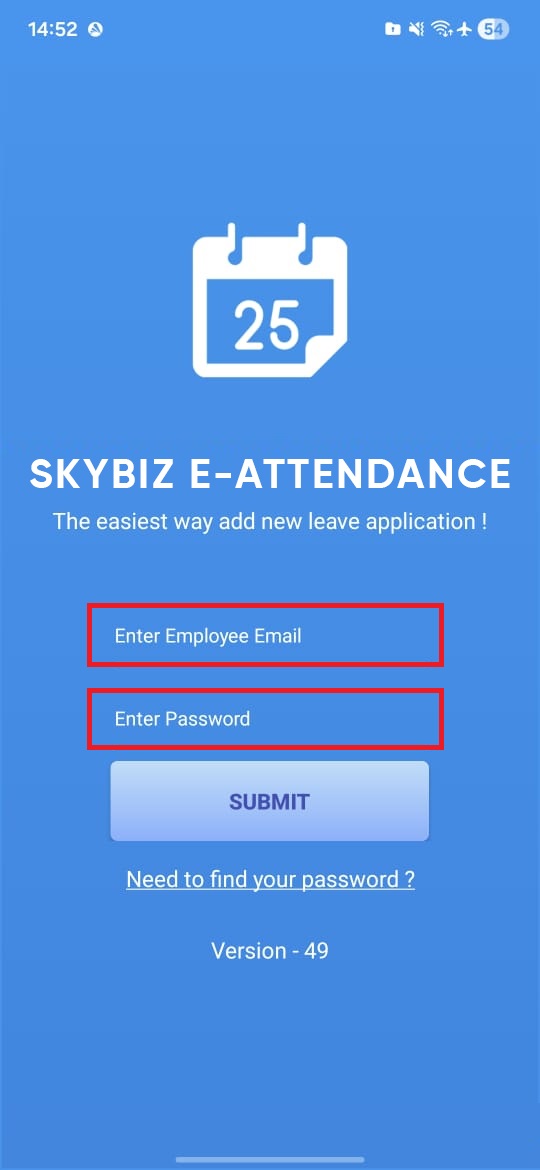
Step 3: Key in your email address and password (both are provided by HR / Manager), then click the Submit button to continue.
Conclusion
In conclusion, SKYBIZ e-Attendance app is an invaluable asset for modern organizations seeking to improve operational discipline, safeguard payroll accuracy, and optimize human resource workflows. By combining mobile accessibility with precise validation technologies like GPS geofencing and biometrics, it replaces a historically fragmented tracking process with an unalterable, automated single source of truth. The resulting visibility helps businesses contain labor costs, minimize compliance risks, and easily adapt to flexible, remote, or hybrid work strategies. Ultimately, adopting an e-Attendance system elevates organizational productivity, shifting the focus of management from chasing timesheets to utilizing high-level workforce analytics.
Powered By: SKYBIZ ®