Below are guideline(s) to set Auto Rounding Adjustment at Credit Note :
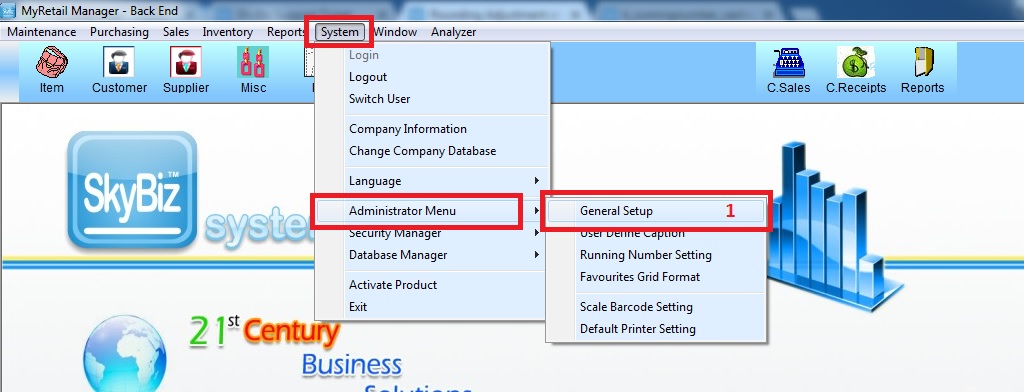
Step 1 : Go to System >> Administrator Menu >> General Setup
Step 2 : Go to “Optional Modules 2” >> scroll down to number 26 “Rounding Adjustment Credit Note to Customer” >> change the value >> click “Save”
