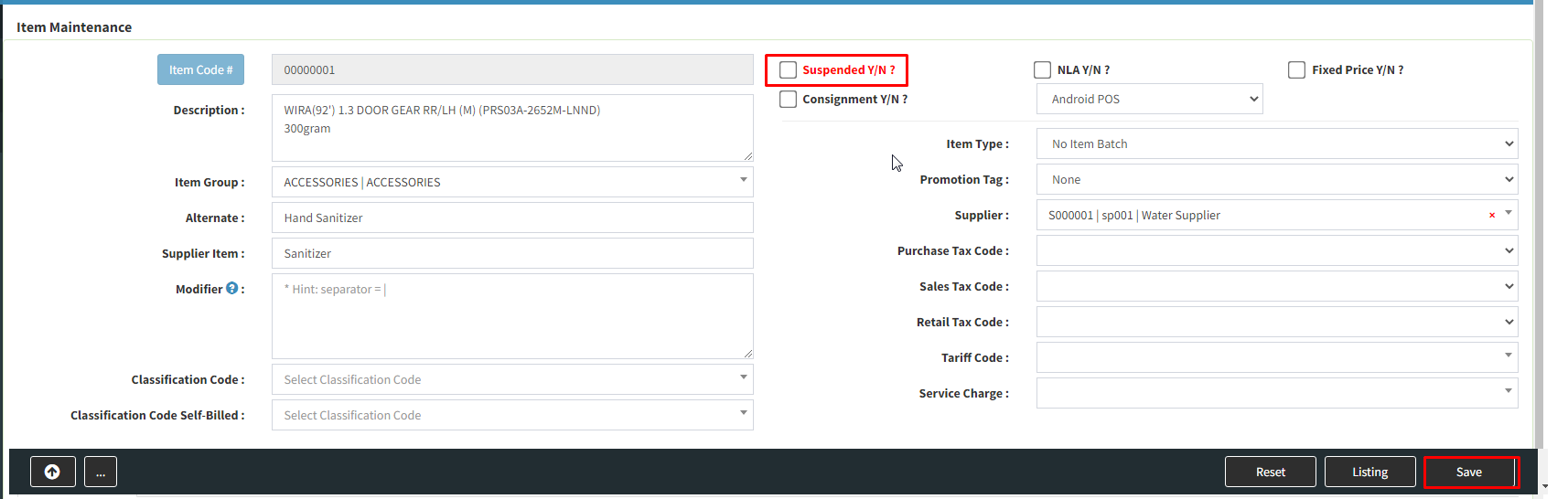
Below are guideline(s) to Re-Activate Hidden / Suspended Item :
Step 1: Go to Item >> List
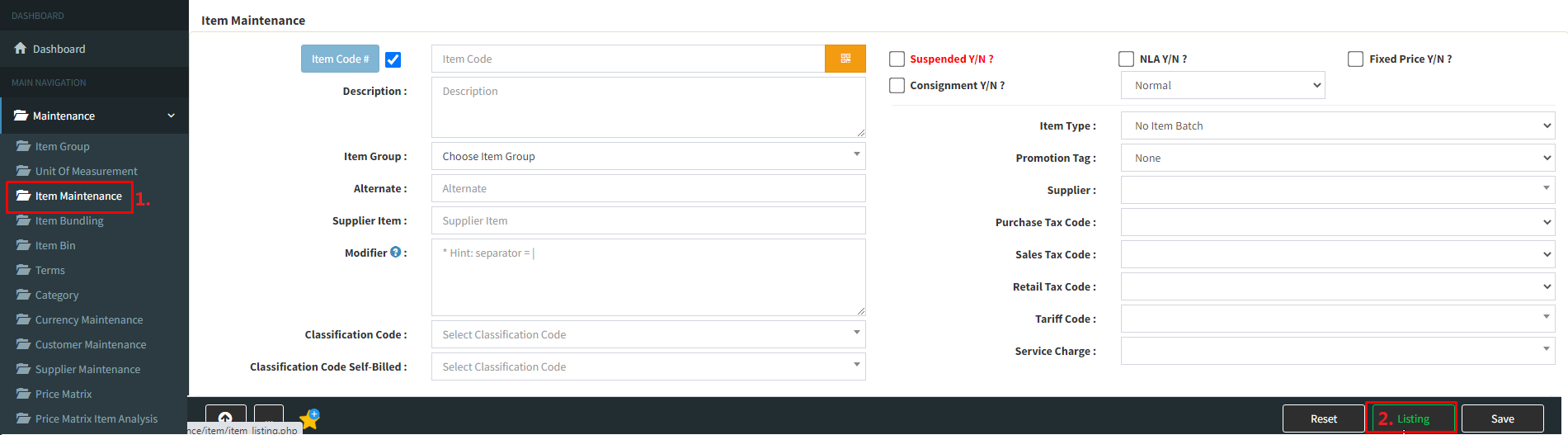
Step 2 : At right bottom of list box, click drop down icon and choose “Suspended” >> click “Refresh” >> double click the suspended item that you want to re-activate

Step 3: Untick “Suspended” >> click “Save”