Below are guideline(s) to Non-Invoice Customer QR Code :
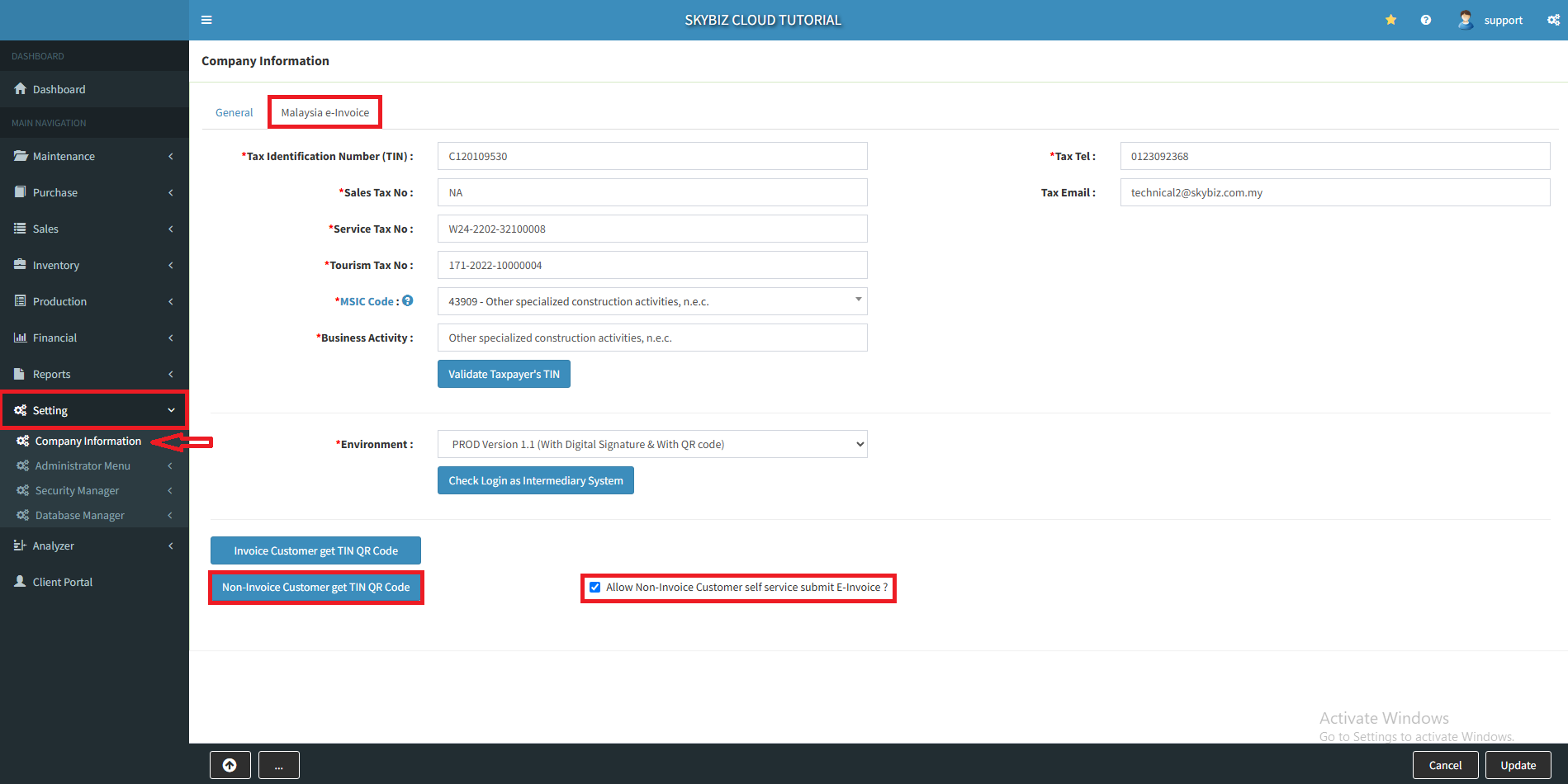
1. At menu “Setting” >> “Company Information”
2. Go to Malaysia e-invoice, tick “Allow Non-Invoice Customer self service submit E-Invoice“
3. Click “Non-Invoice Customer get TIN QR Code“, if you untick means didn’t allow customer self service submit E-Invoice.
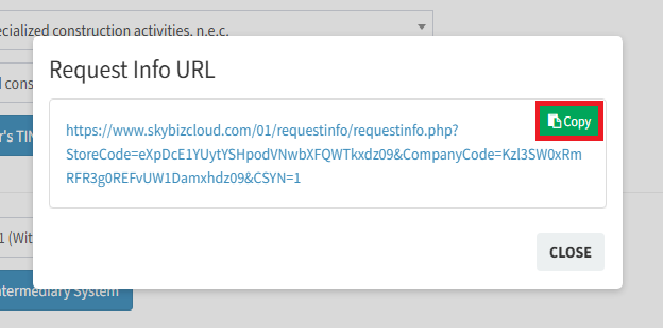
4. Click “Copy” to copy the link.
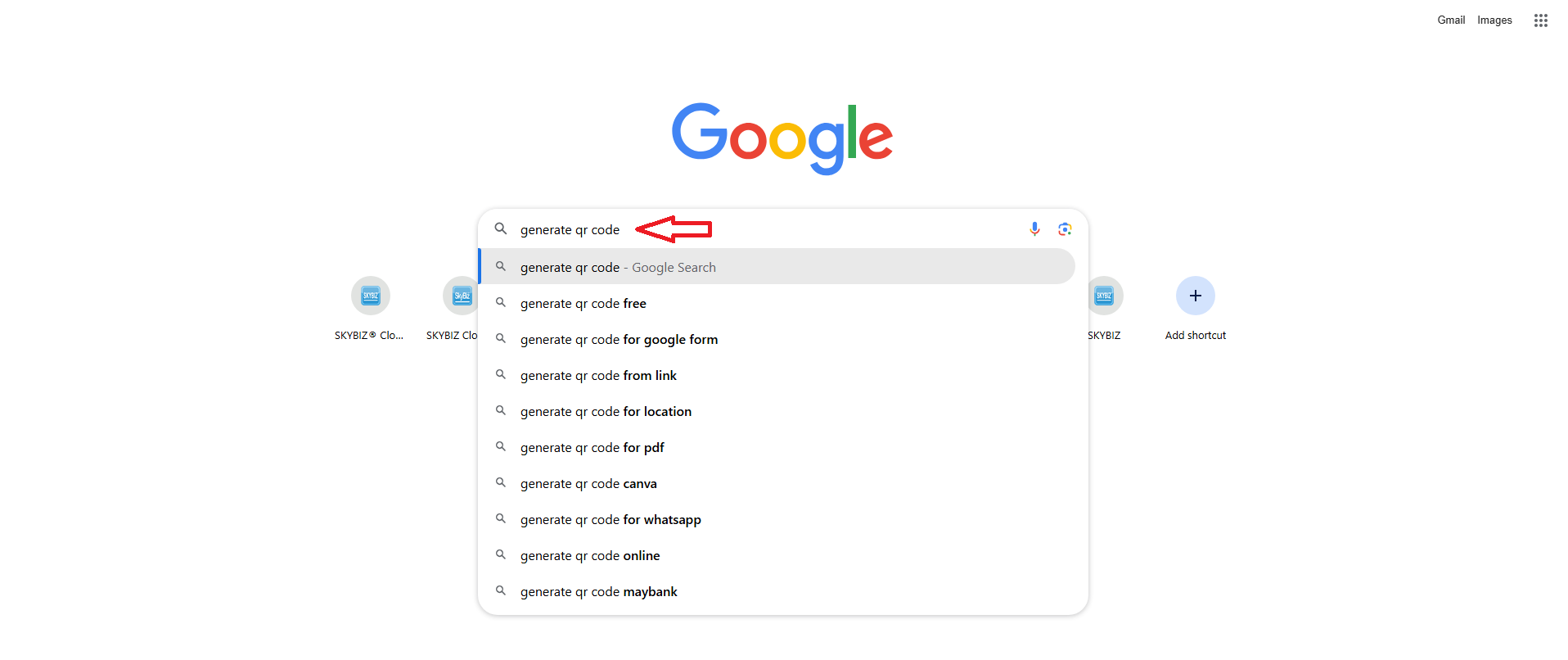
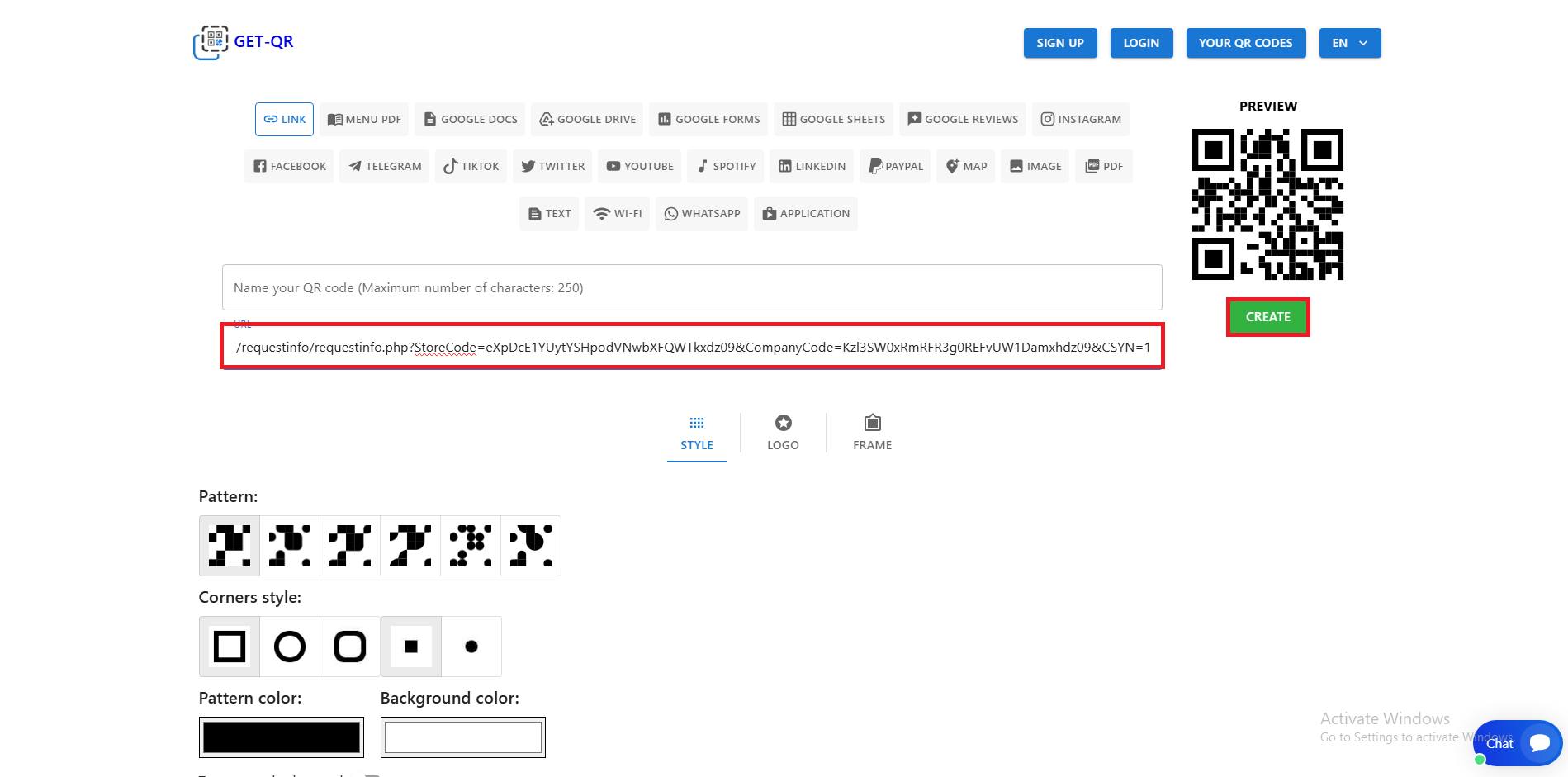
5. Go to any browser search generate QR code.
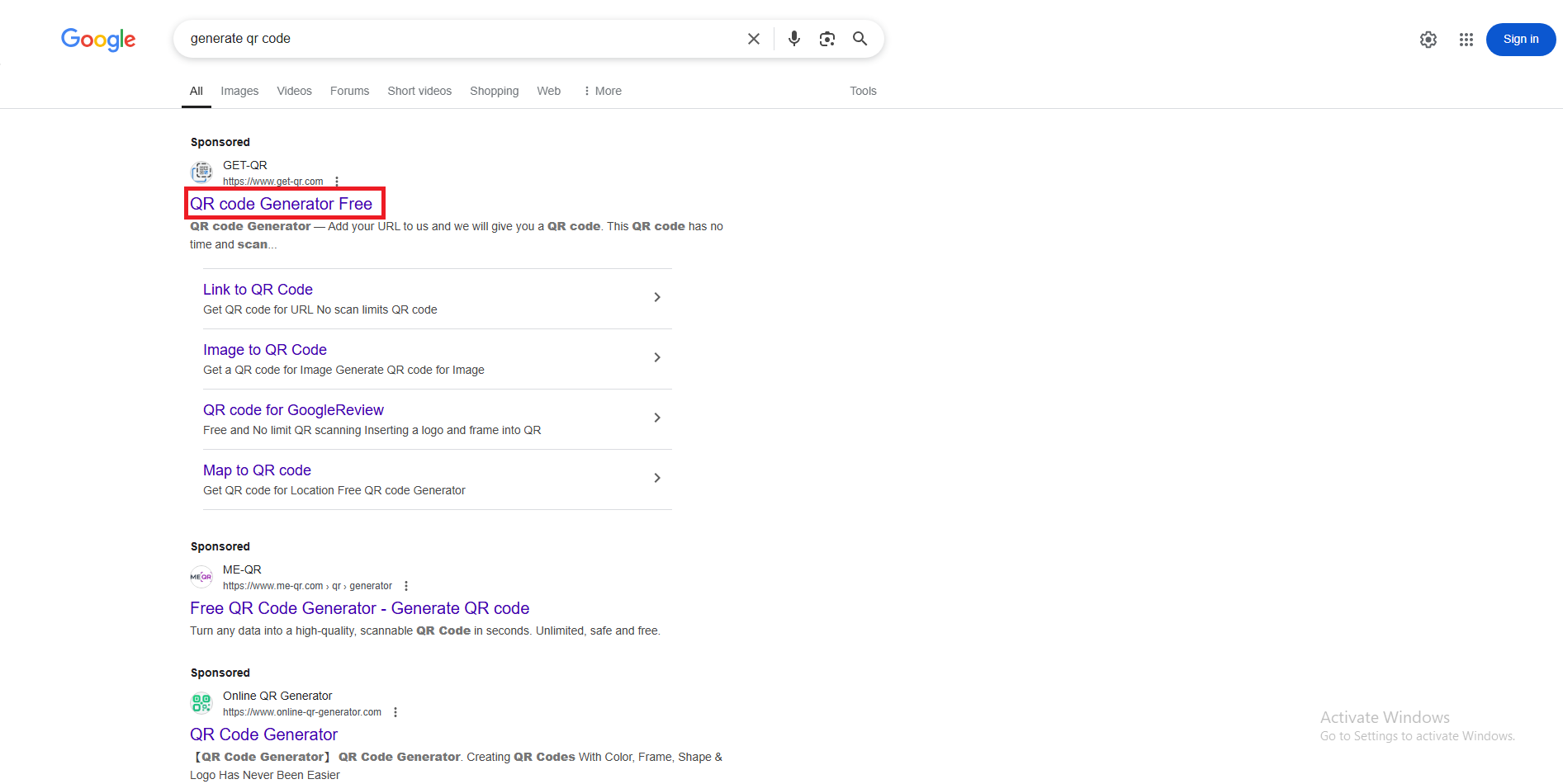
6. Click the first link to generate QR code.
7. Paste the link that you copy, create and download the QR code.
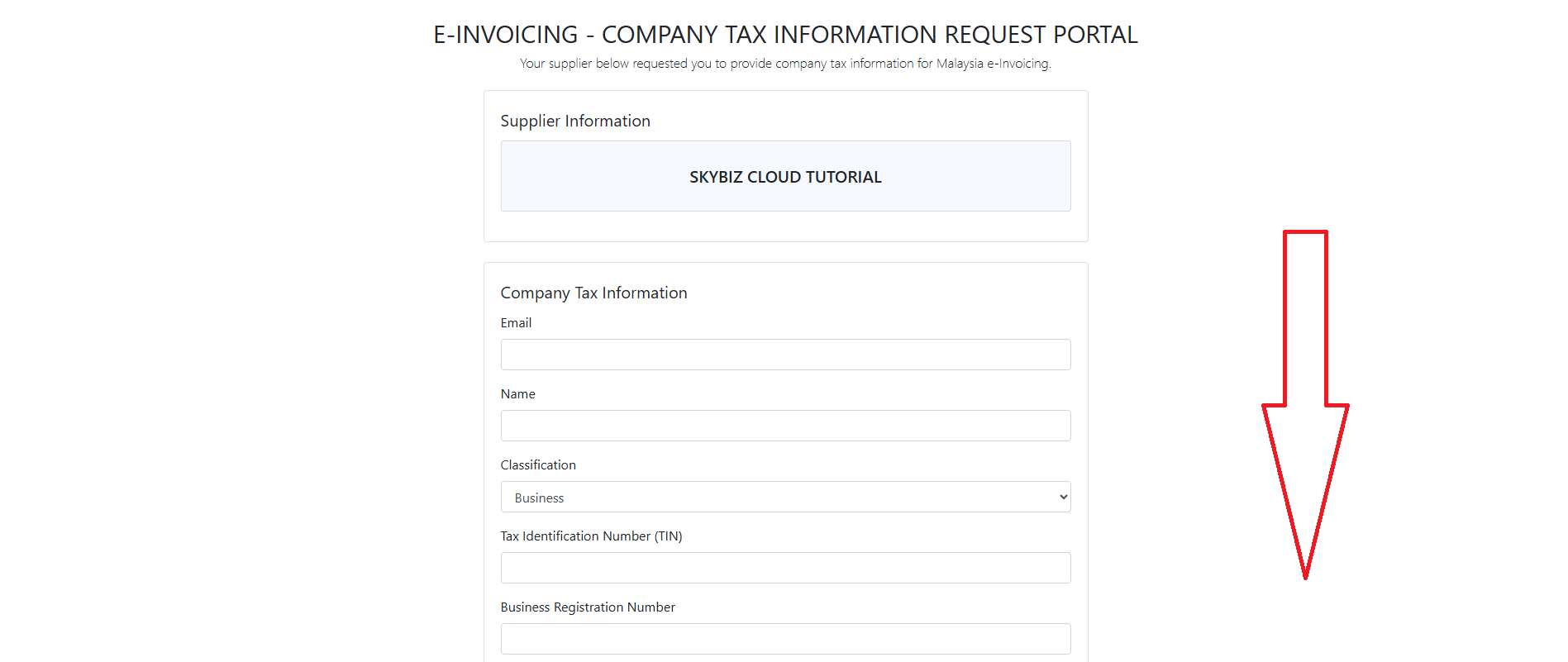
8. After scanning the QR code, you will be directed to E-INVOICING TAX INFORMATION REQUEST PORTAL page.
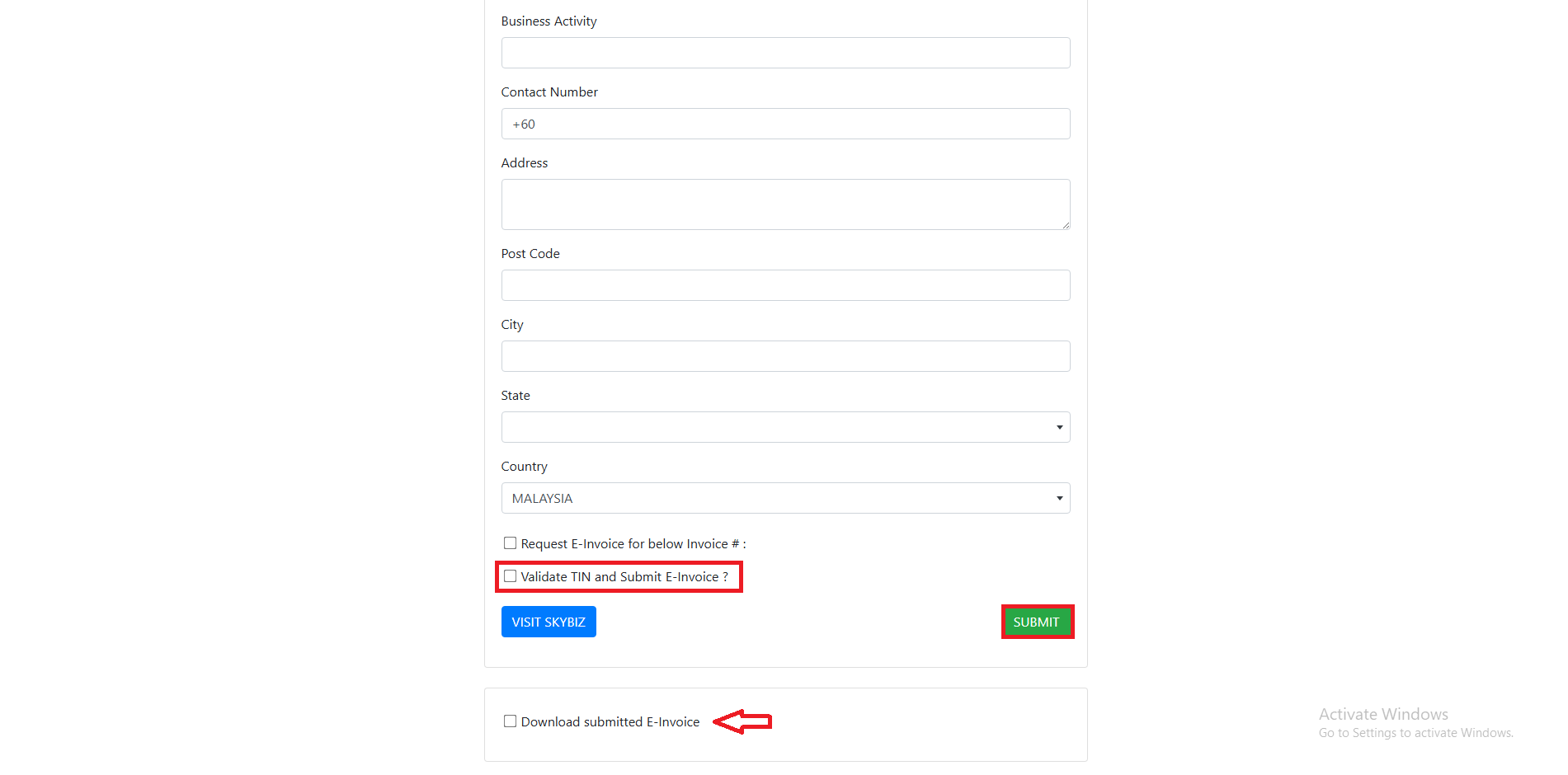
9. Scroll down to the bottom, tick “Validate TIN and Submit E-Invoice?” and click “Submit“. If you want to download you may tick “Download submitted E-Invoice?”
Powered By : SKYBIZ ®