Step 01: Log in to your MyTax account.
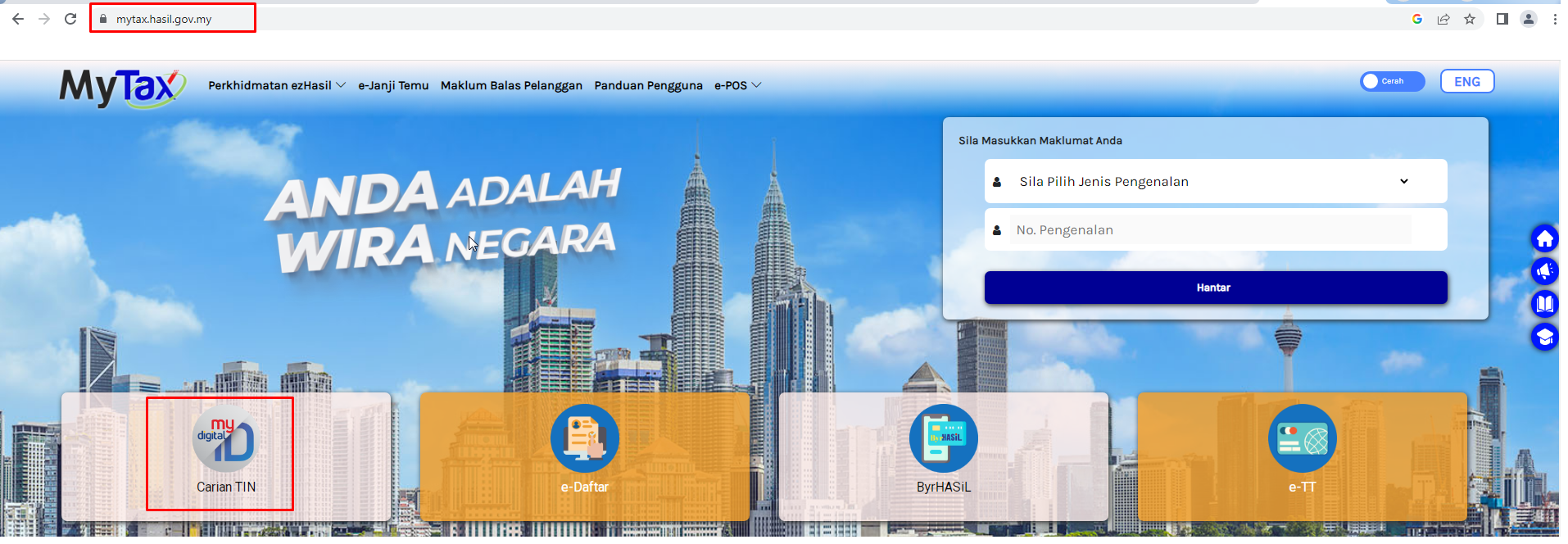
Click the search icon in the upper right corner

Step 02: Choose the type of Taxpayer.
For individuals, you can search using their IC number (MyKad) or passport number.
For companies / non-individuals, you use their Business Registration Number (BRN) or their registered name.
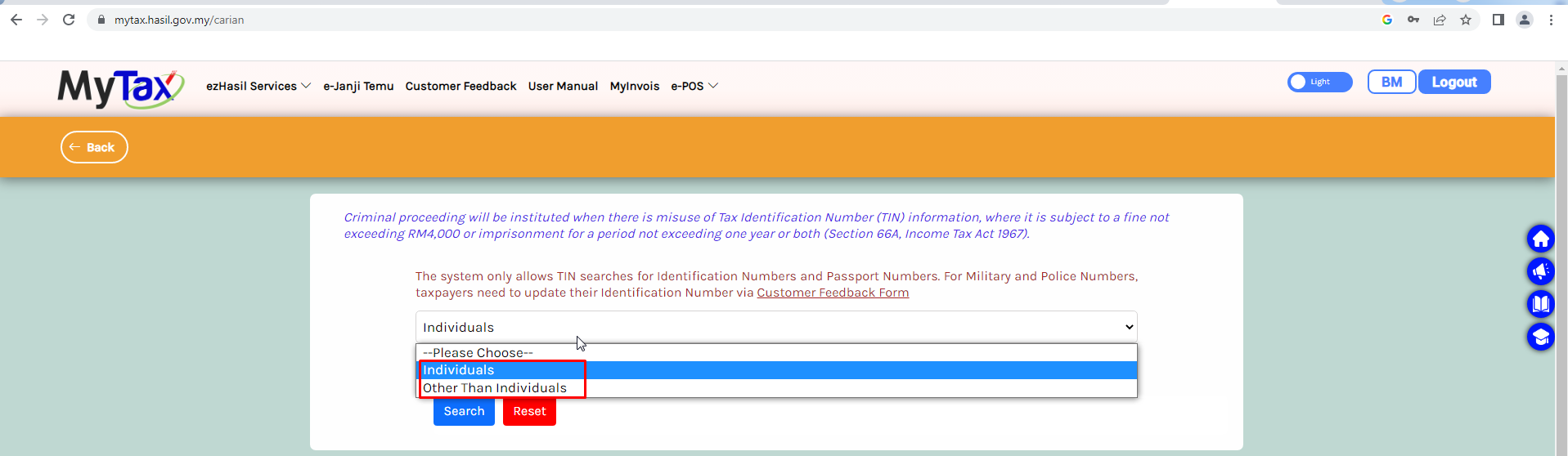
Step 03: Select the ‘Individual’ or ‘Other Than Individuals’ category, and you can enter your ID number
Step 04 : After successfully entering the IC or the BRN, the Tax Identification number (TIN) will be displayed.
