Below are guideline(s) to Renew/ Regenerate ERP in MyTax / MyInvois Portal
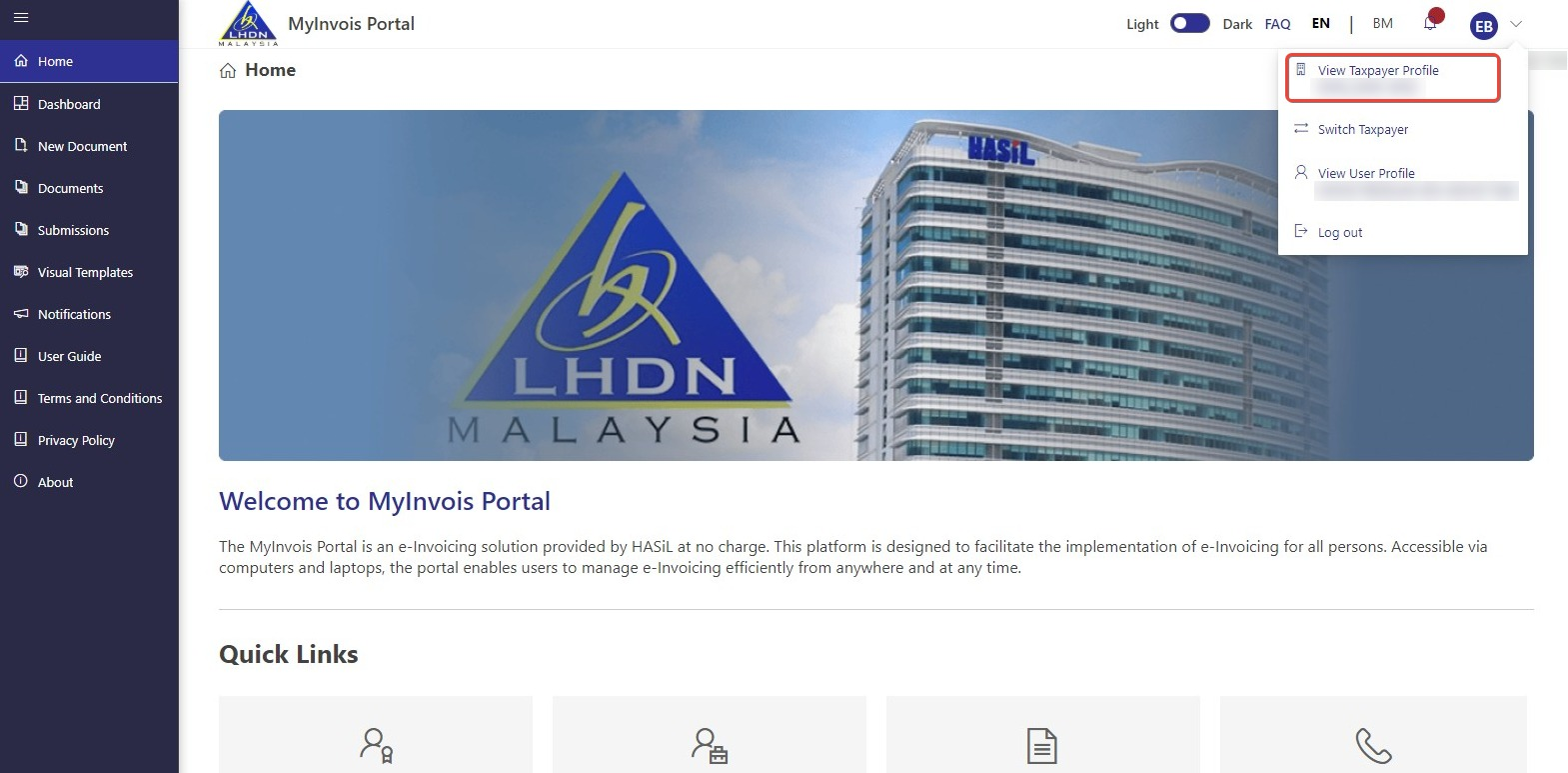
Step 1: Go to taxpayer profile
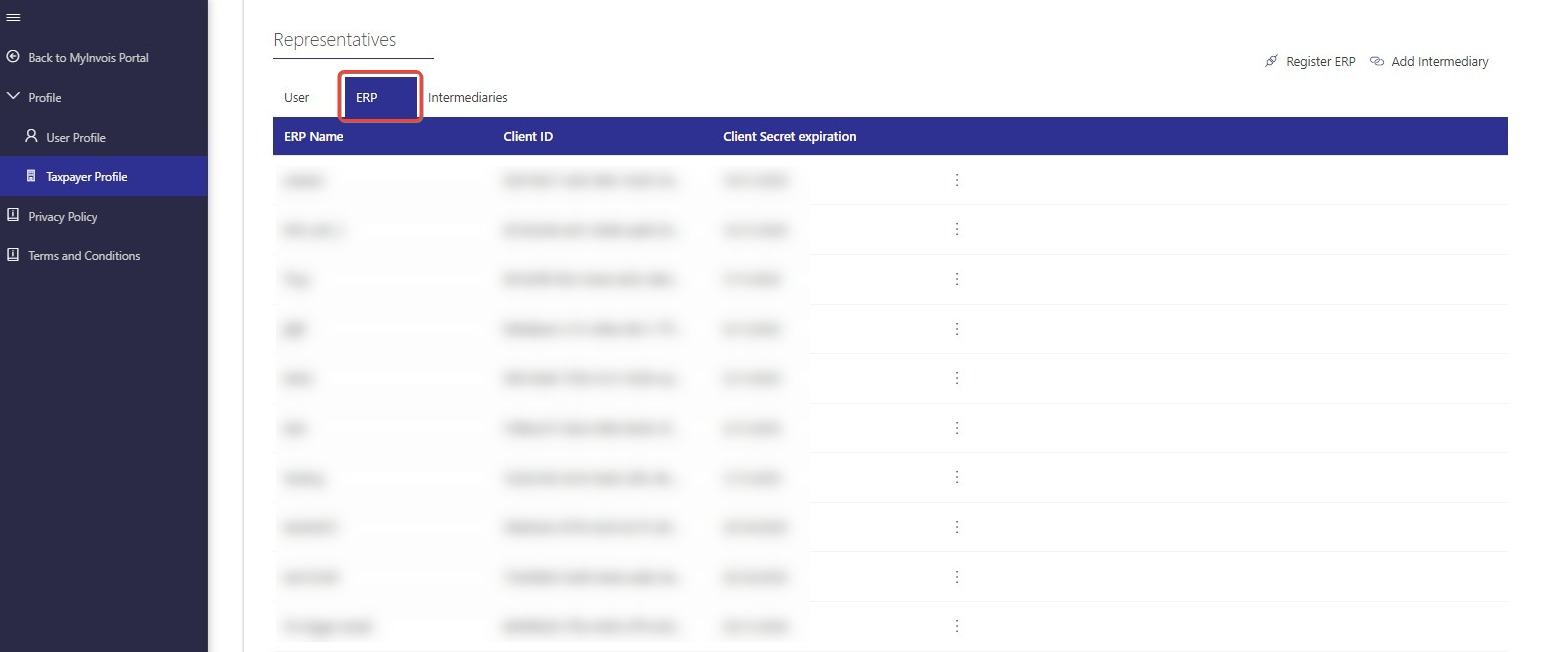
Step 2 : Find the registered ERP system.
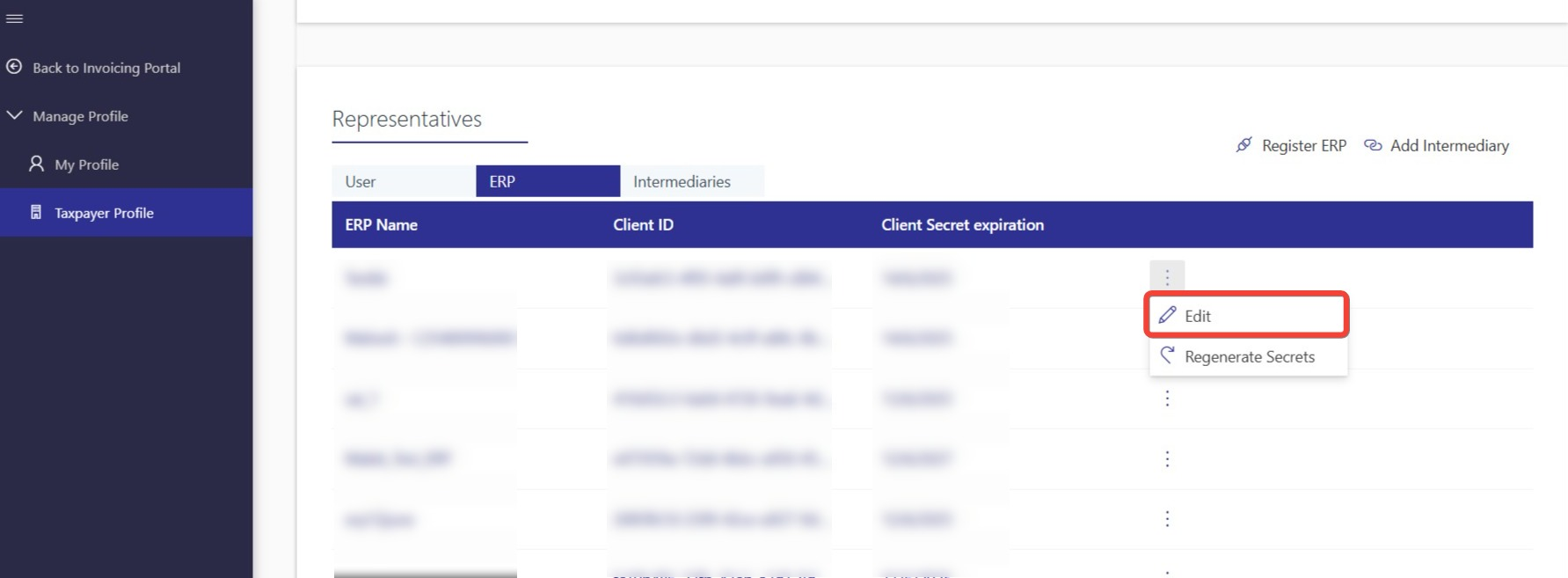
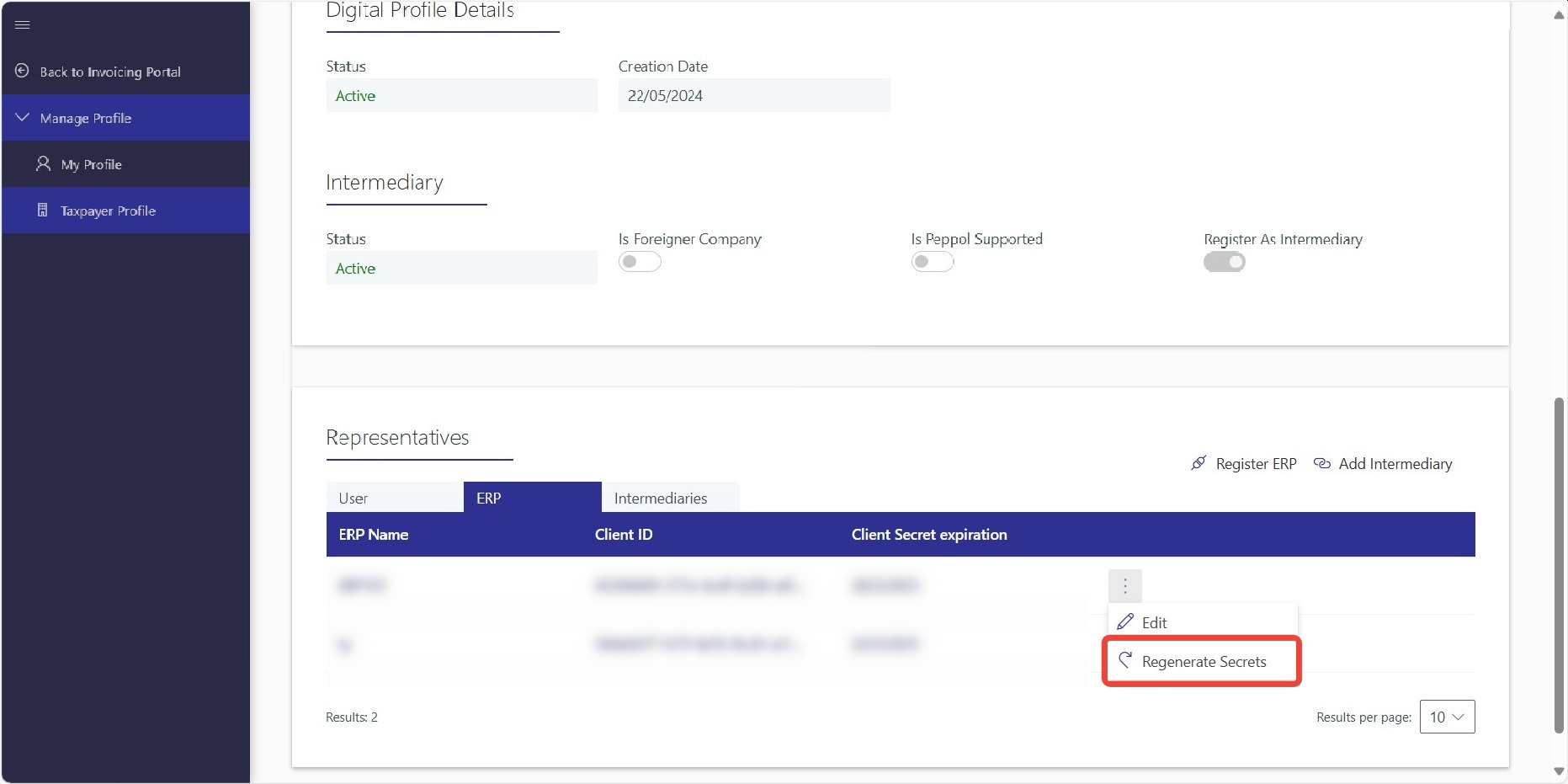
Step 3 : Click the action menu and select Regenerate Secrets.
Step 4 : Select the new Client Secret expiration period.
Step 5 : Click Generate.
Step 6 : Copy and securely save the new Client ID and Client Secrets.
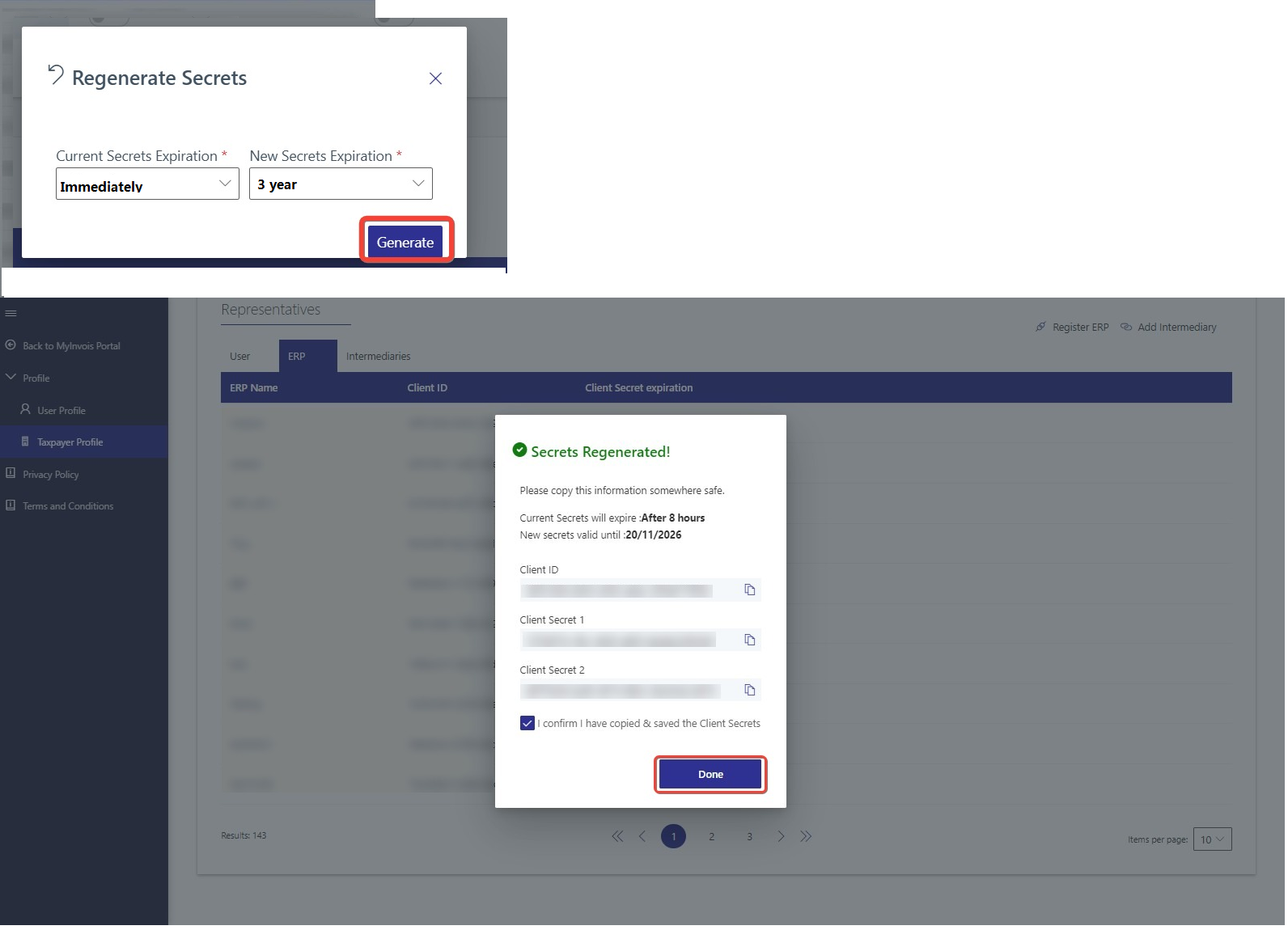
### copy the 3 secret into notepad and click DONE