 Let’s learn how to setup your Cloudbeds account, so that your customer can request e-invoice from you
How does it work
-
After you create Reservation Invoice in Cloudbeds, the Invoice will synchronize into SKYBIZ refer Pic:A .
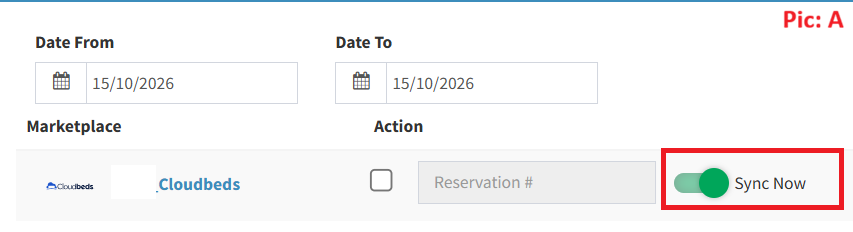
-
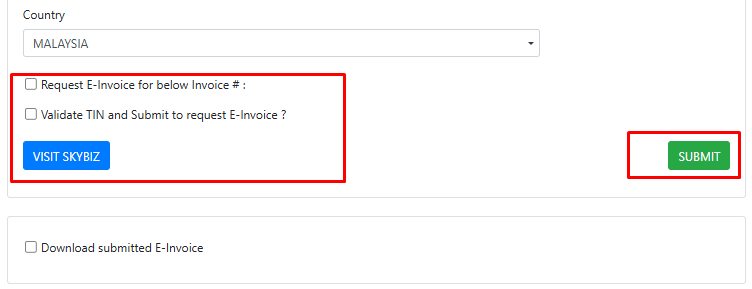
The Reservation Invoice printed via Cloudbeds (at Invoice bottom side) will contain url link or QR icon. Your customer can then submit a request for e-invoice, by clicking the link or scan the QR icon.
-
Your customer will be redirected to SKYBIZ eInvoice website (refer here).
How to amend Reservation Invoice Template
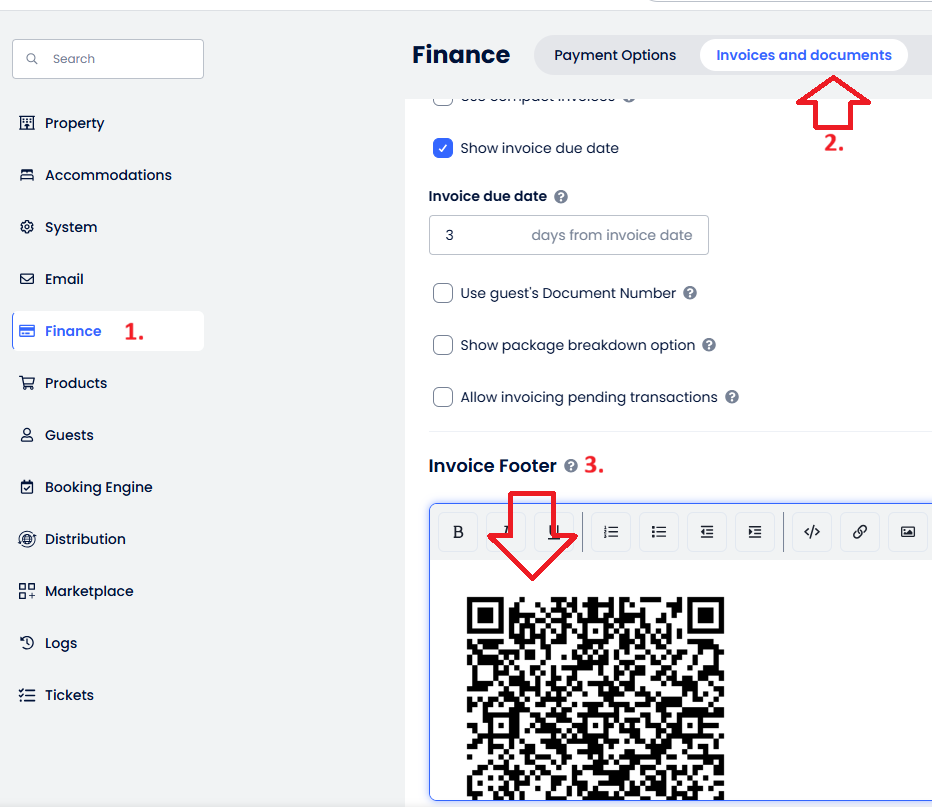
Step 1: Access your Invoice and documents templates
-
Go to Finance
-
Next, click Invoice and documents
-
DONE !