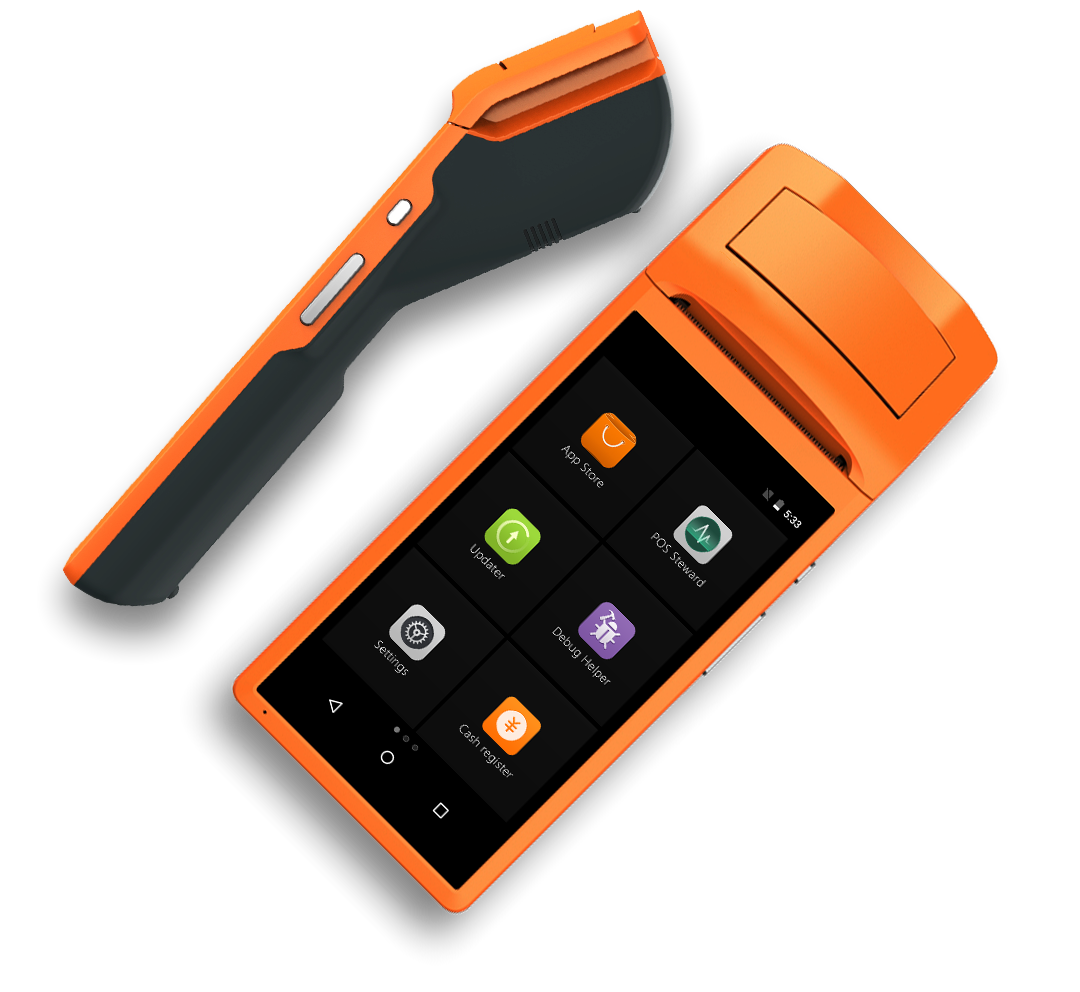
Below are Guideline(s) on How to Use Mobile Order Device (V1)
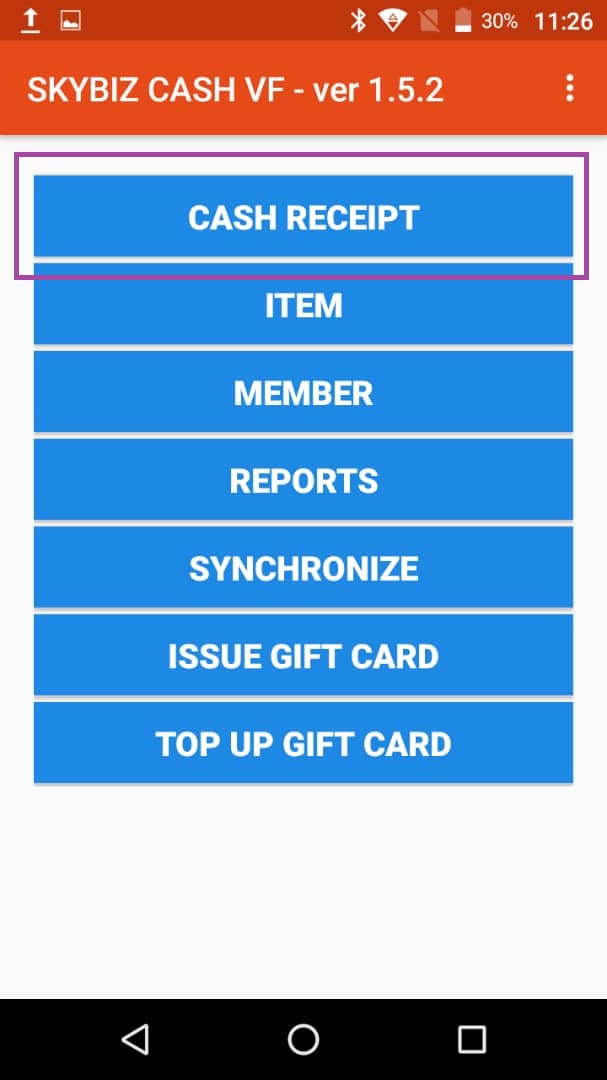
Step 1: Cash Receipt
Step 2: Take Order
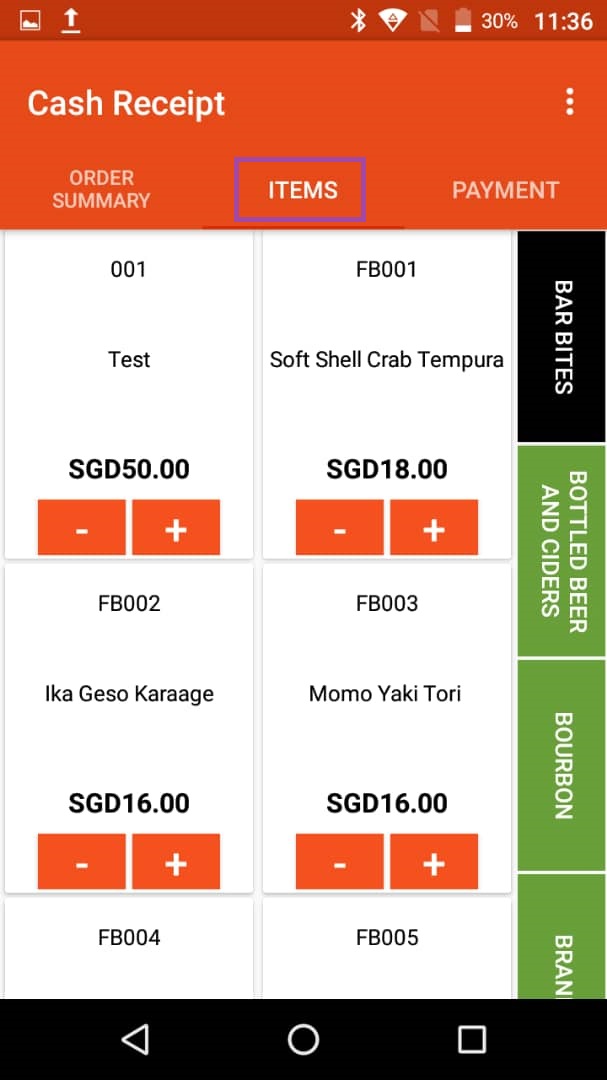
On the top toolbar, go to “ITEM“, then take order.
Step 3: Finalise Order, Hold Payment
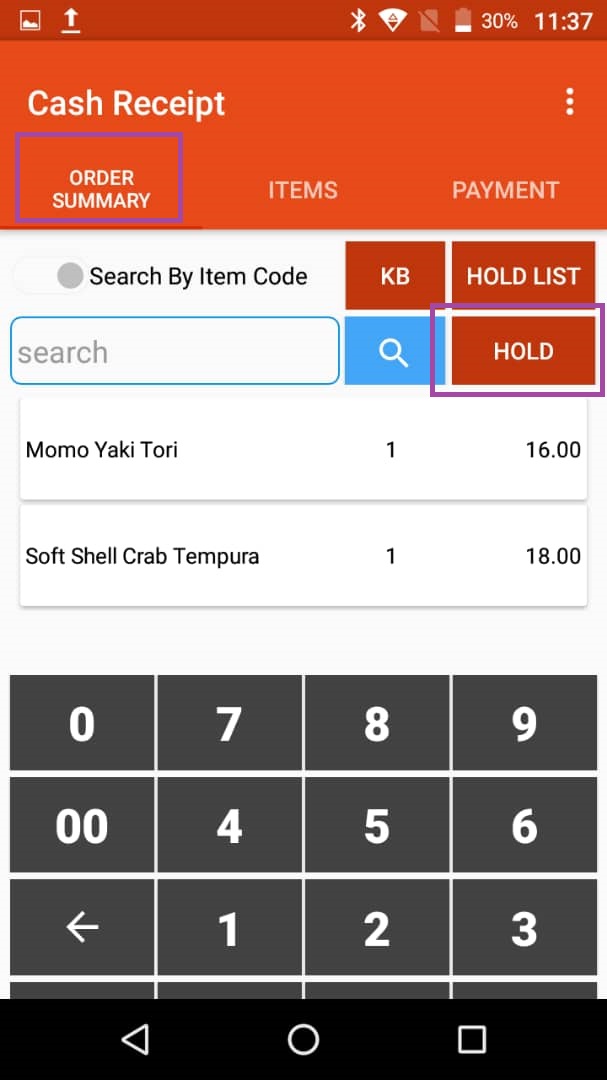
- On the top toolbar, go to “ORDER SUMMARY“, then click “HOLD“
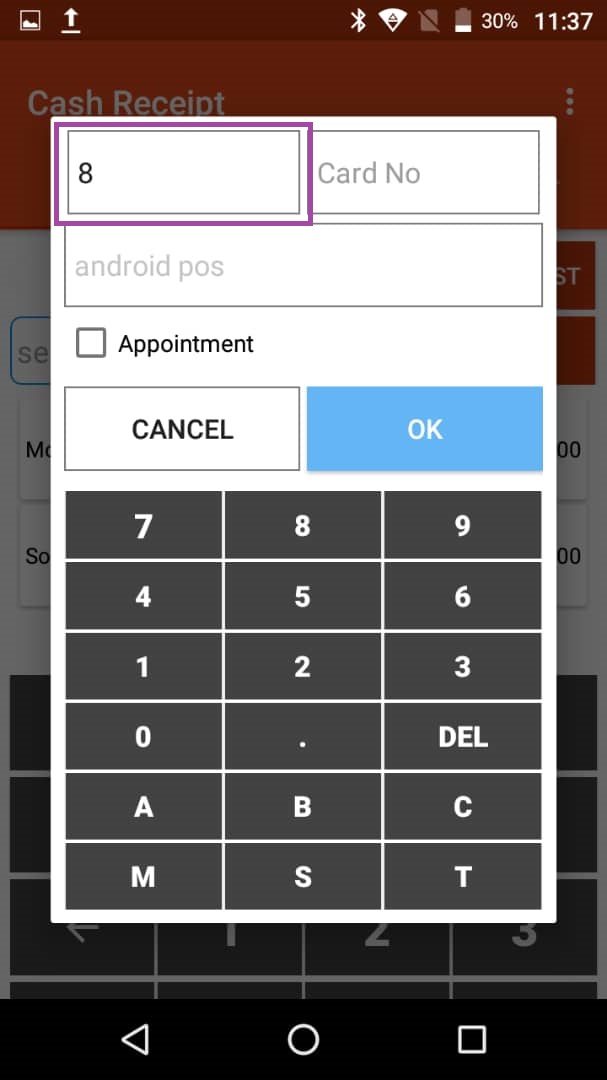
2. Enter the table number.
Step 4: Edit Order
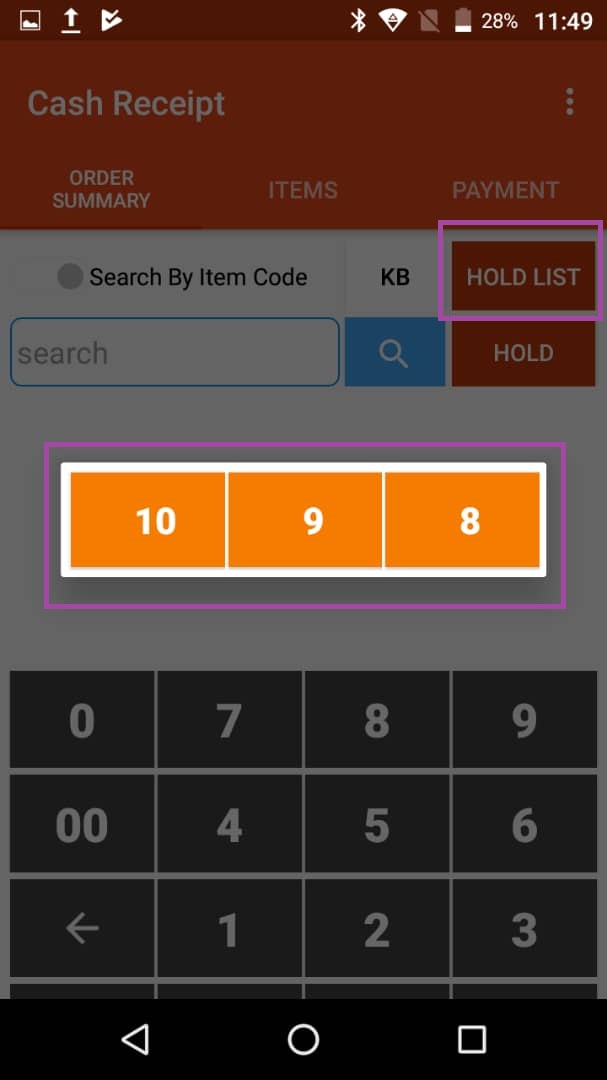
- On the top toolbar, select “ORDER SUMMARY” >> “HOLD LIST“
- Select table
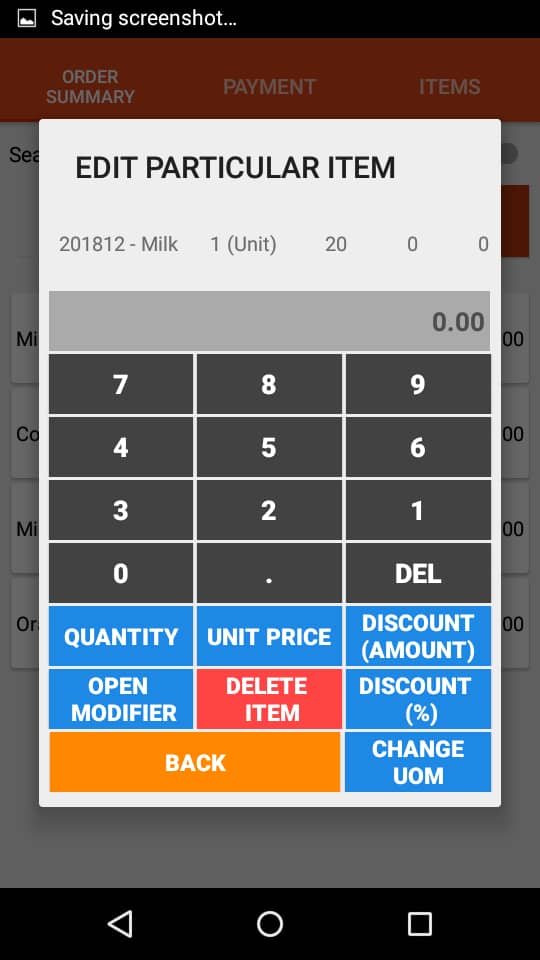
- Click the particular item and edit.
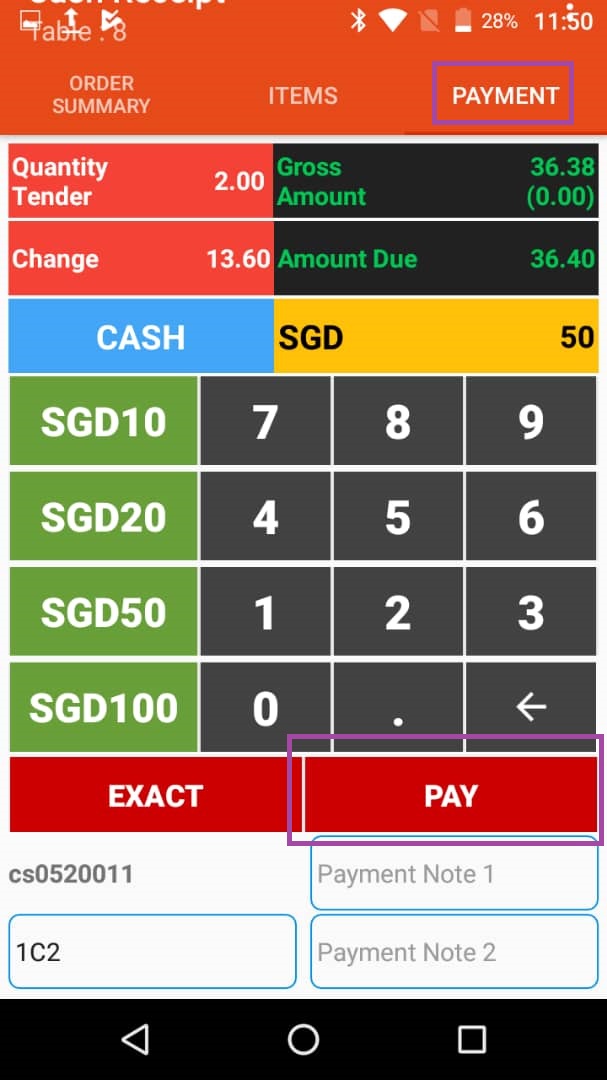
Step 5: Finalise bill
- Go to “ORDER SUMMARY” >> “HOLD LIST” >> select table
- Go to “PAYMENT” >> enter paid amount >> click “PAY” to make payment.
Step 6: Print Slip
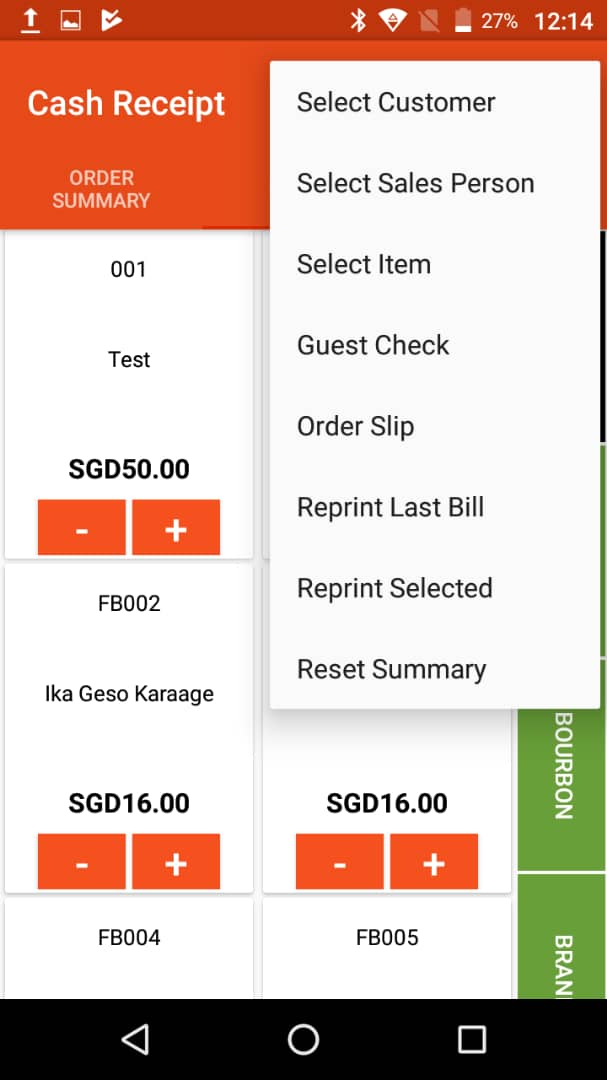
On top right corner, click the three dots icon. You can print order slip, guest check or reprint bill.