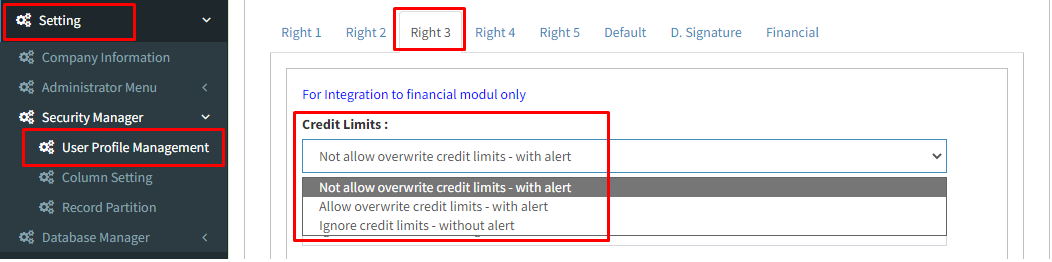
Below are guideline(s) for user block and allow entry if customer outstanding has reach limit
- You may go to “menu” >> “Security Manager” >> “User Profile Management“
- Go to “List” then select the user ID >> [Follow screen shot below]
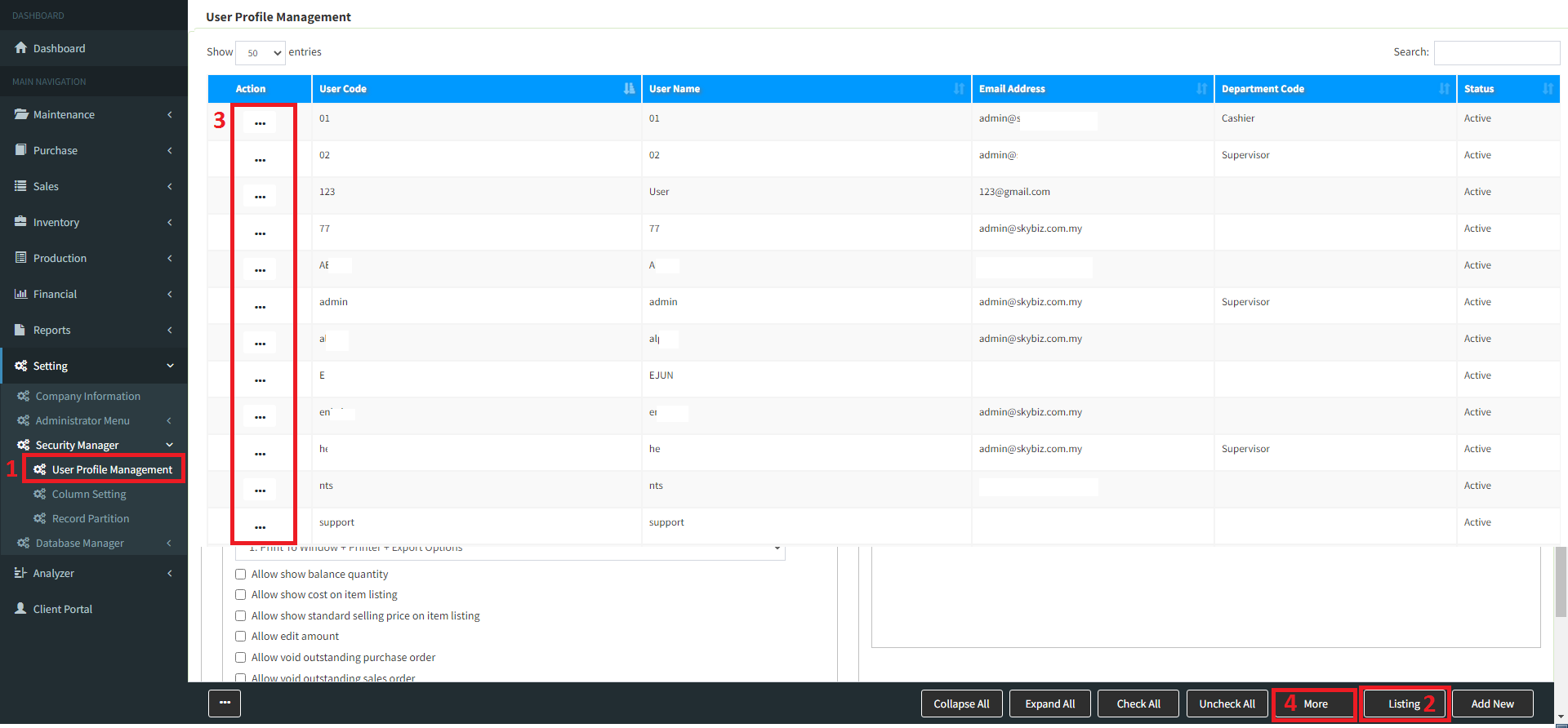
3.Go to “List” >>> select “User ID” >>> click “Right3“,
i-for Block customer outstanding has reach limit choose “Not allow overwrite credit limits– with alert” > then “Update”
ii-for Allow customer outstanding has reach limit choose “Allow overwrite credit limits– with alert” > then “Update”