A bank reconciliation statement (BRS) is a statement that a company prepares on a
particular date to match the bank balance indicated in its cash book with the balance
shown by the bank’s passbook.
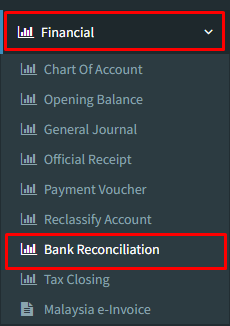
Step 1 : Click on side menu >> Financial >> Bank Reconciliation
Step 2 : Choose “Bank name” which bank that you would like o print the bank reconciliation statement
Select “Bank Statement Date” according to bank statement
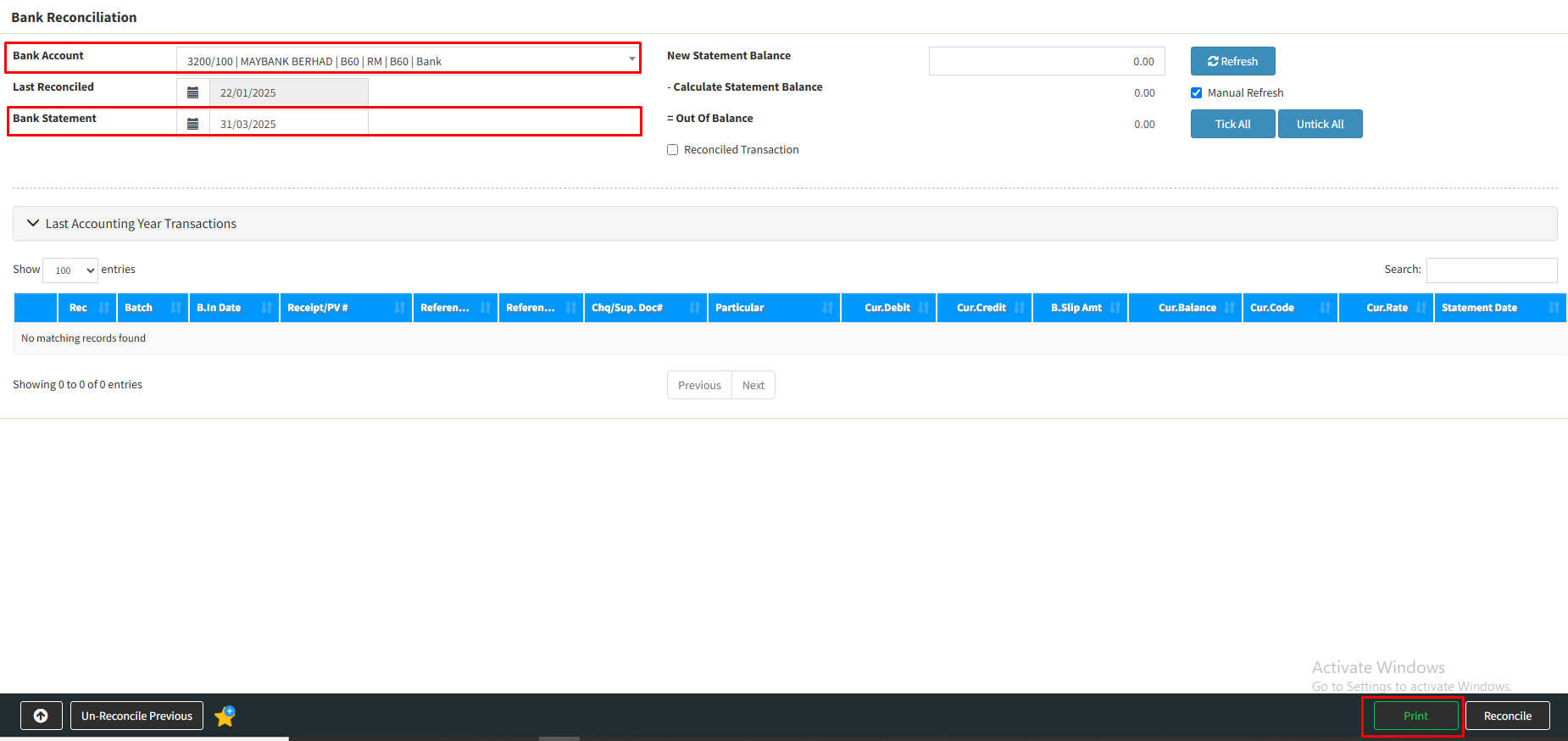
Step 3 : “Tick” the check box
Choose the “Statement Date” from the column’s arrow
Click “Print”

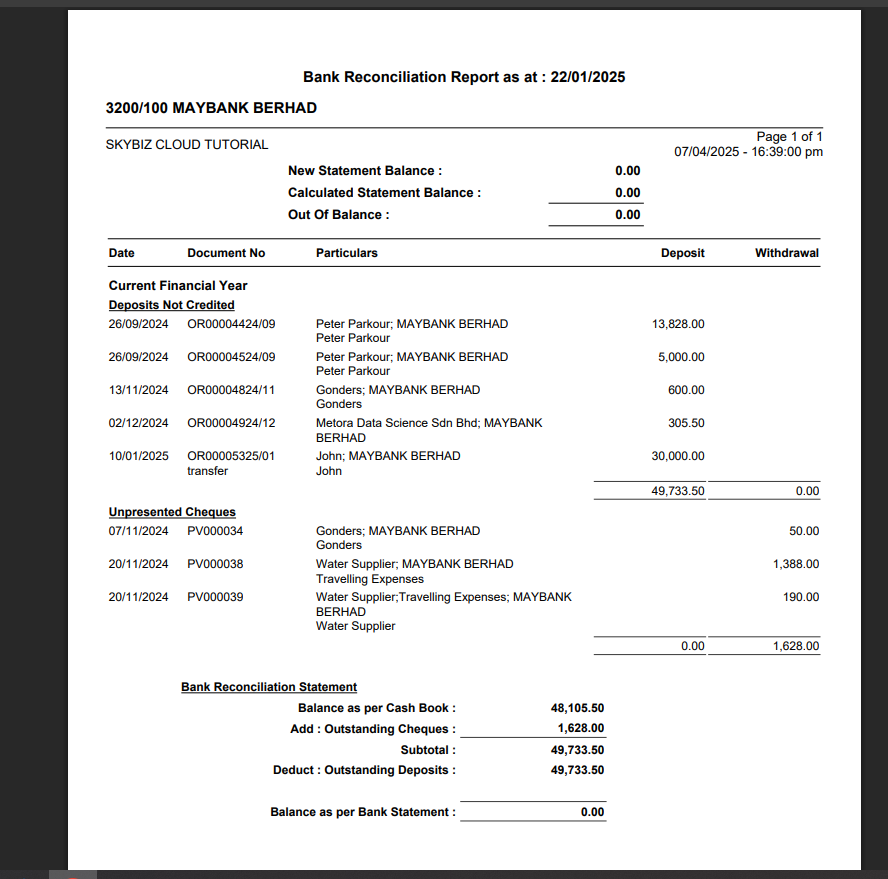
Step 4 : Tick “YES” >> With reconciled deposit not credited and reconciled unpresented cheque
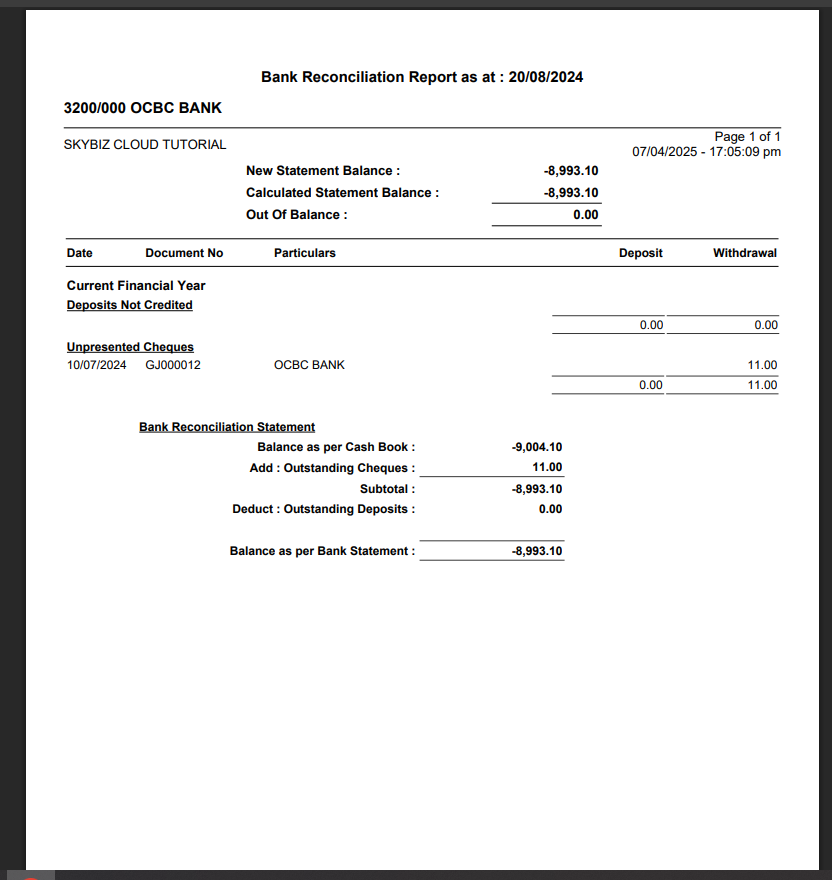
Tick “NO” >> Without reconciled deposit not credited and reconciled unpresented cheque

Step 5 : If tick “YES” the statement show as below
Step 6 : If tick “NO” the statement show as below
Step 7 :Click “Printer Icon” the show the print selection
Choose either “Print” or “save PDF” mode
Click “Print”

Your bank reconciliation statement is successfully printed.
Powered By : SKYBIZ ®