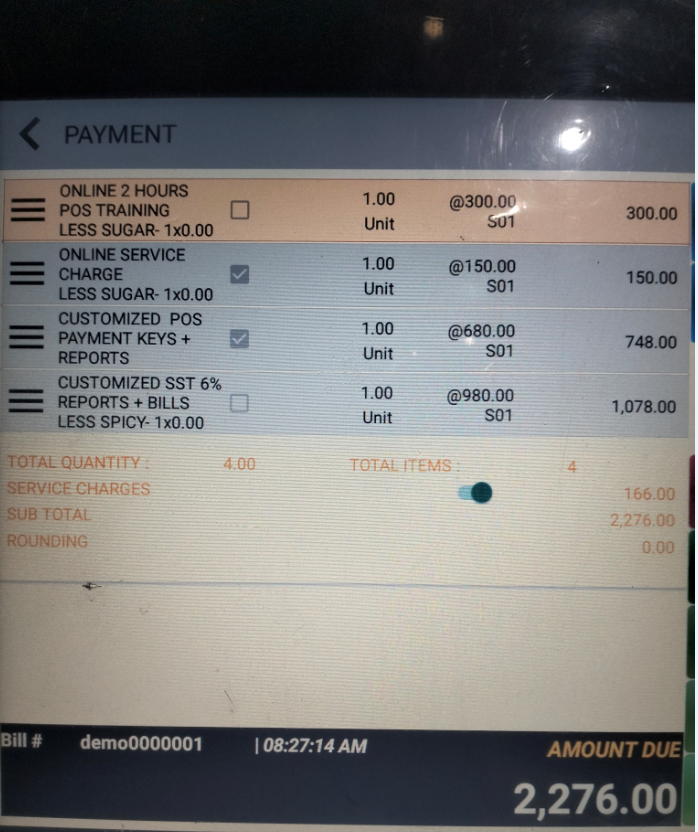
Options in system setting: (refer below photo)
1. All Take Away items ignore service: Please choose this option if you wish to waive service charge for all Take Away items.
2. All items incur service charge: Please choose this option if you wish to apply service charge for all items.
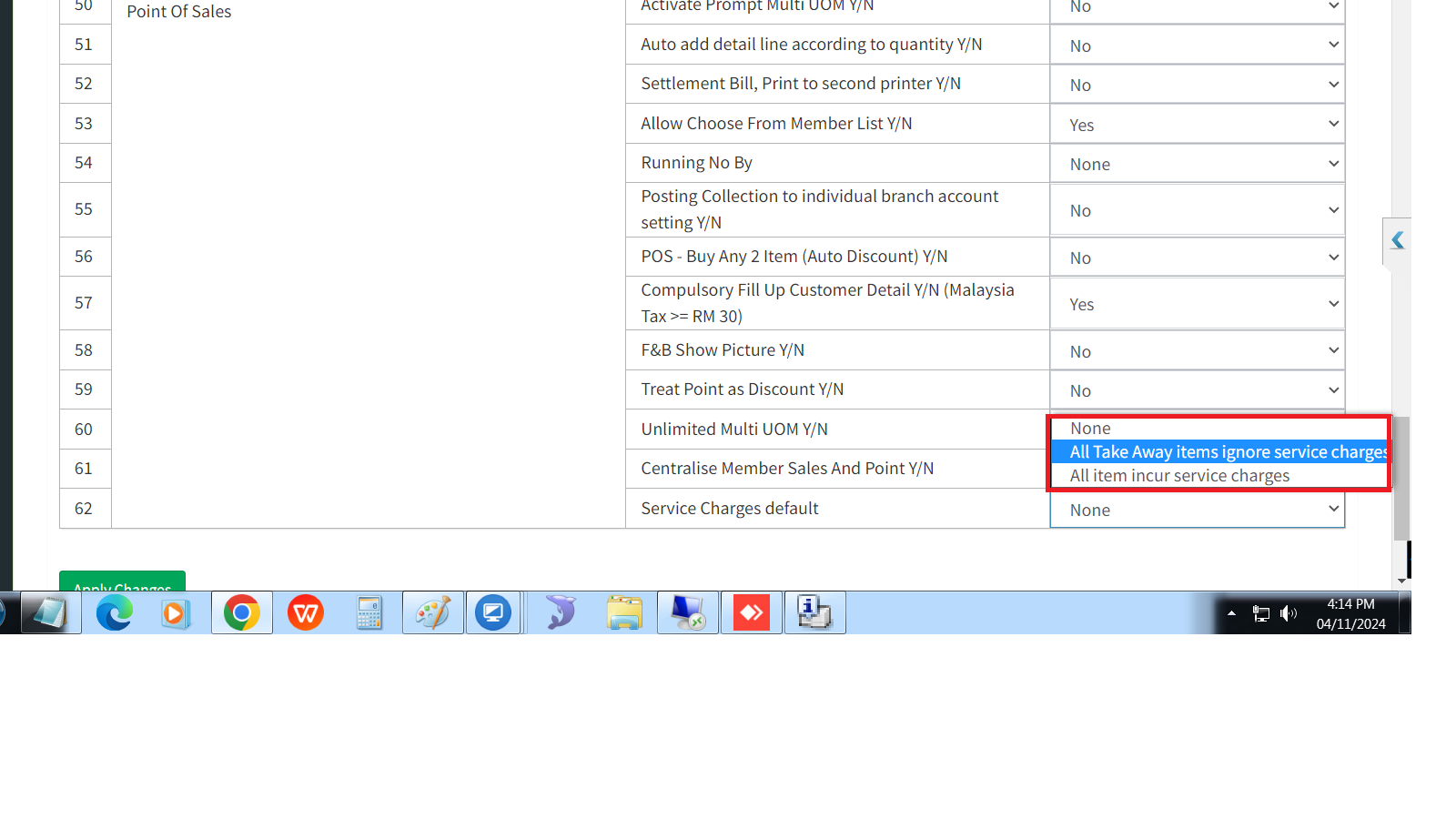
Option in Item Maintenance: User allow optionally choose and apply service charge for selected item(s), even with different service charge rate.
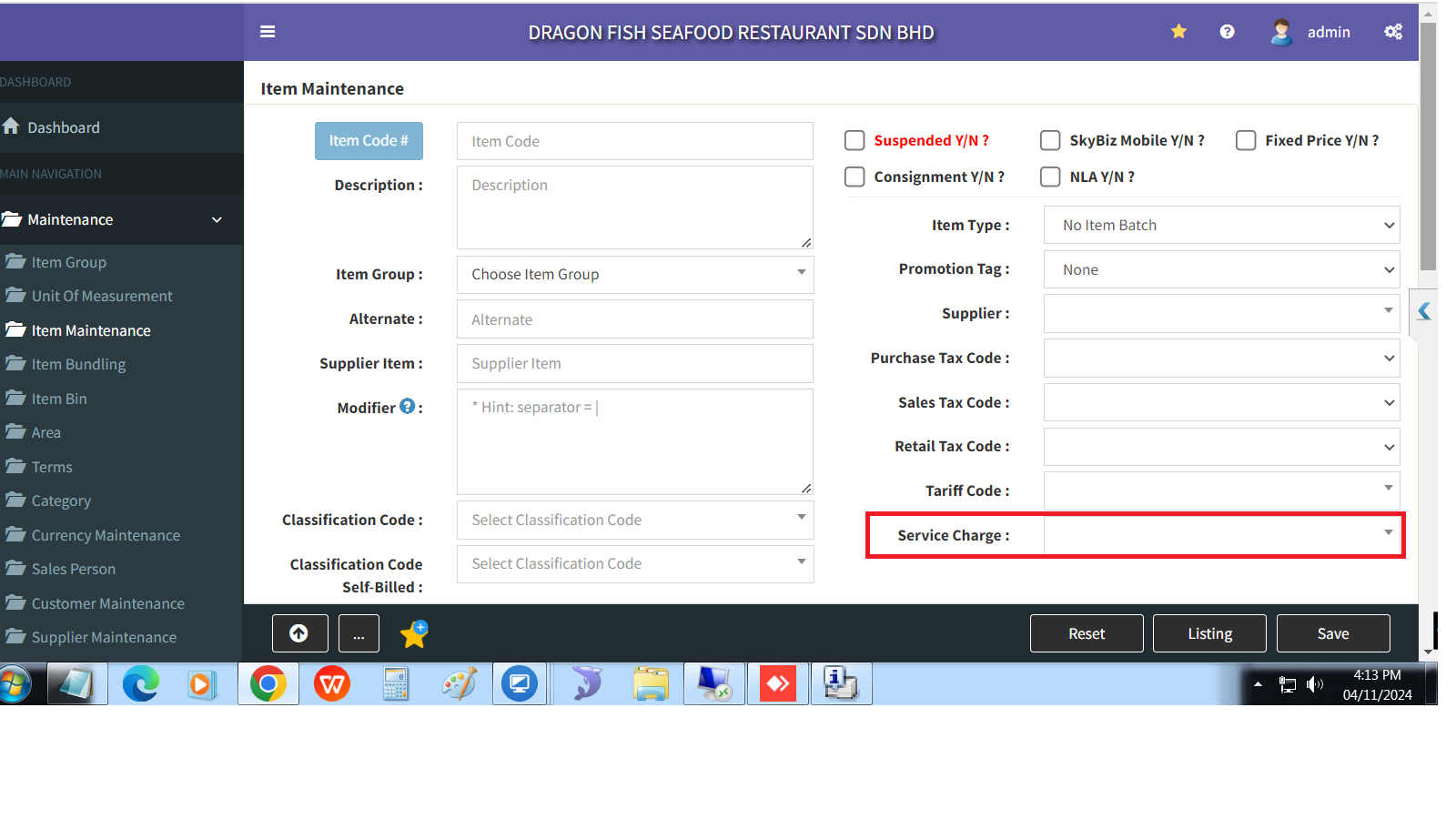
During the Android POS TF, cashier allow optionally mark either order or item as Take Away by simply tick or un-tick the item(s).
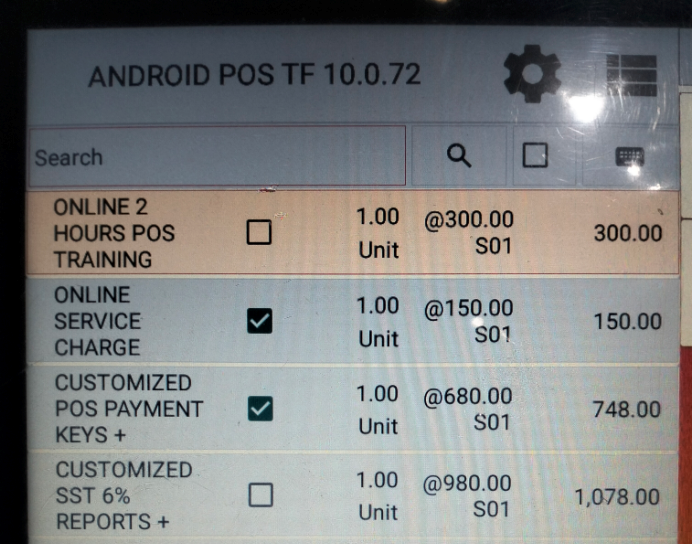
During Payment screen, Supervisor having option to Remove Service Charge by simply click on left-side button 3-dots.