Below are guideline(s) on how to make payment to your account
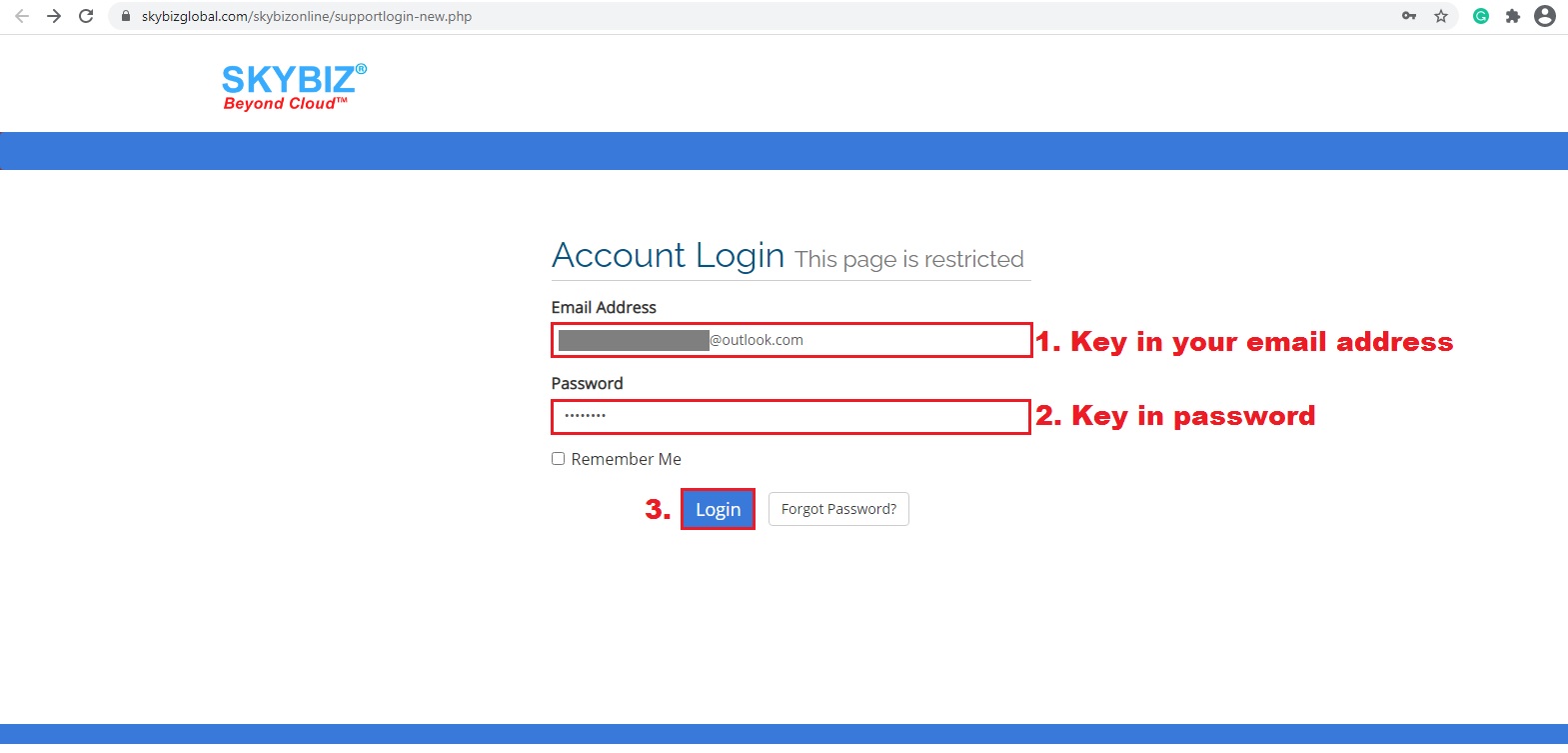
Email Address and Password
1.Go to Skybiz.com.my >> key in your email address and password
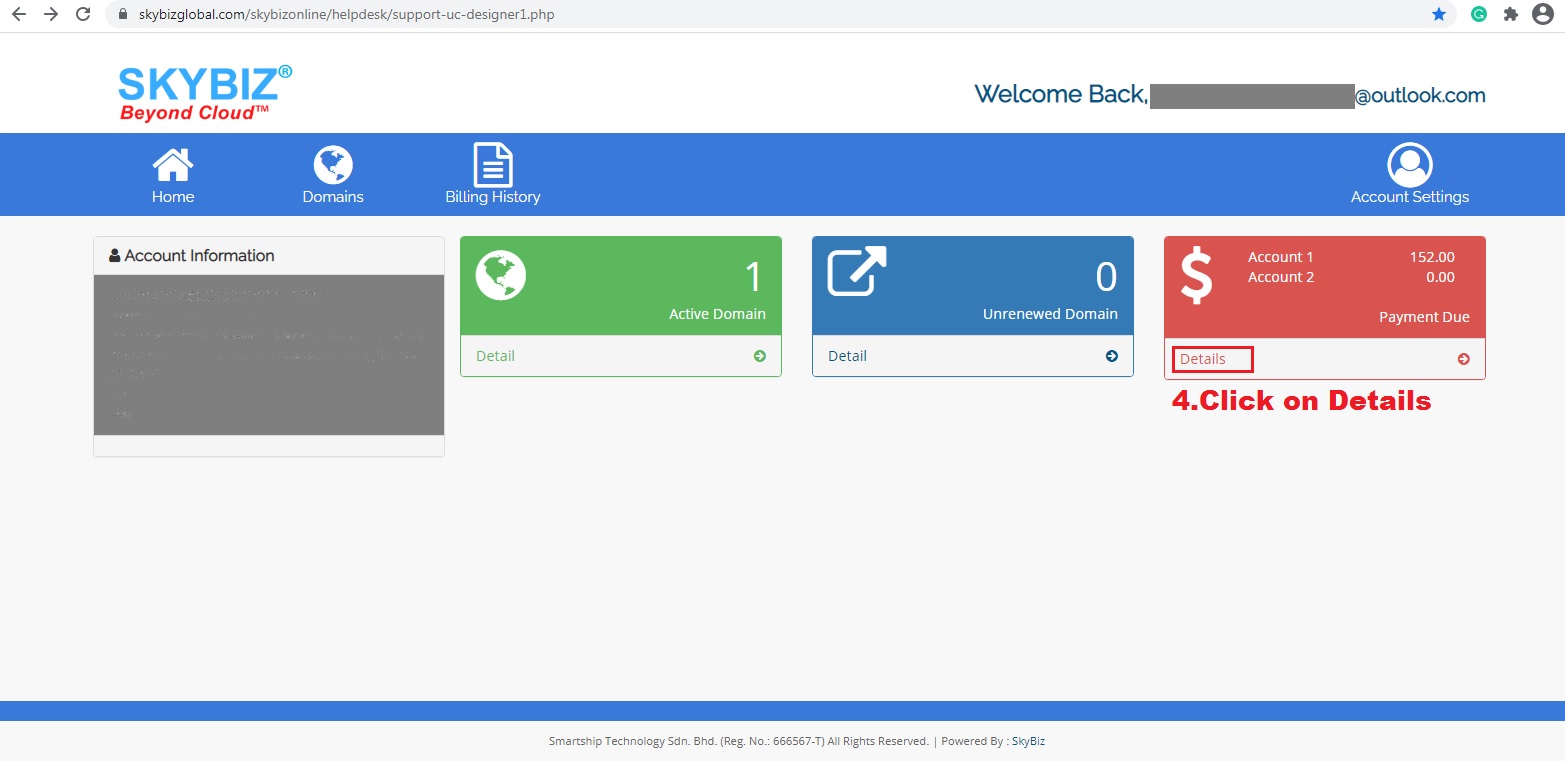
Details
2. Click Details
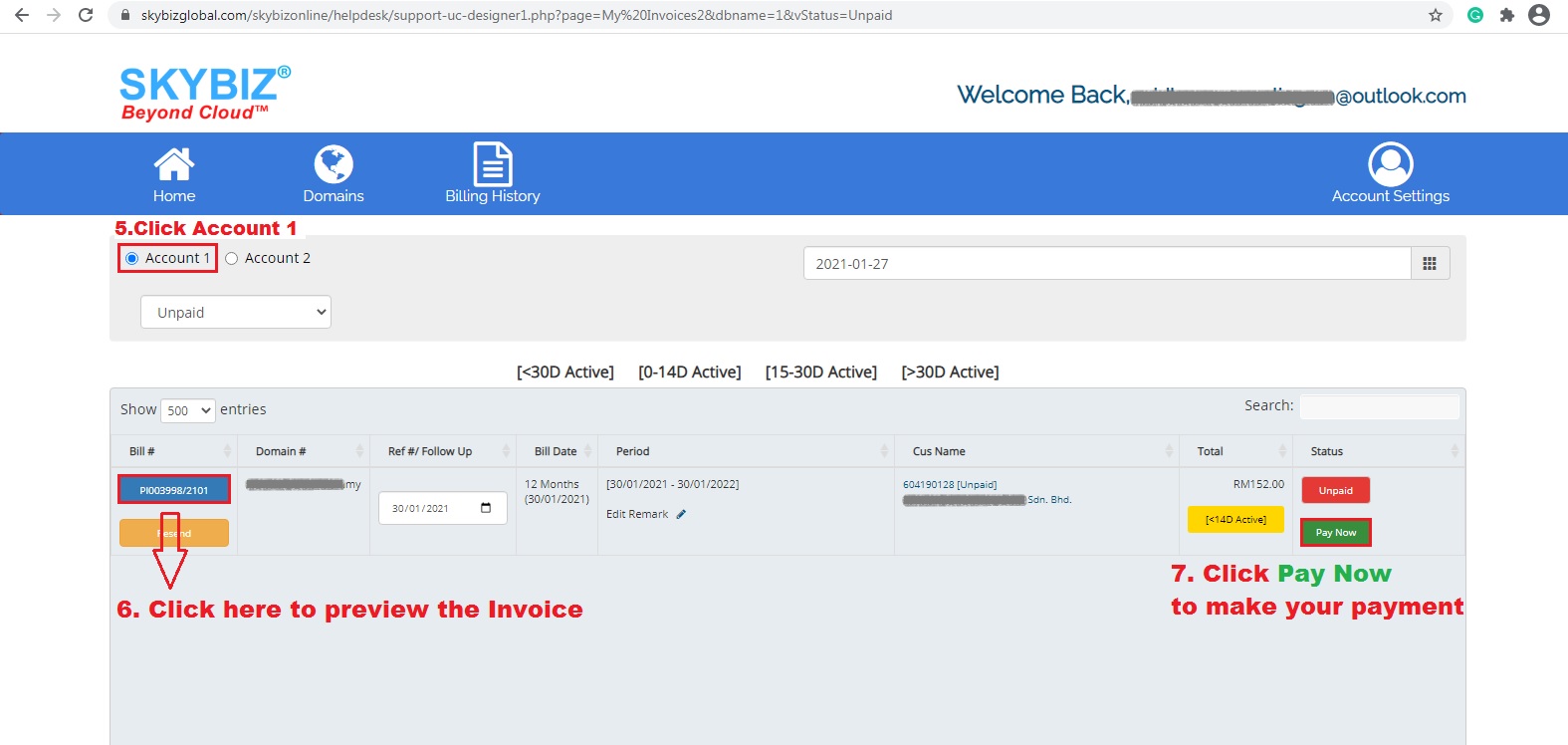
Pay Now
3. Click Pay Now
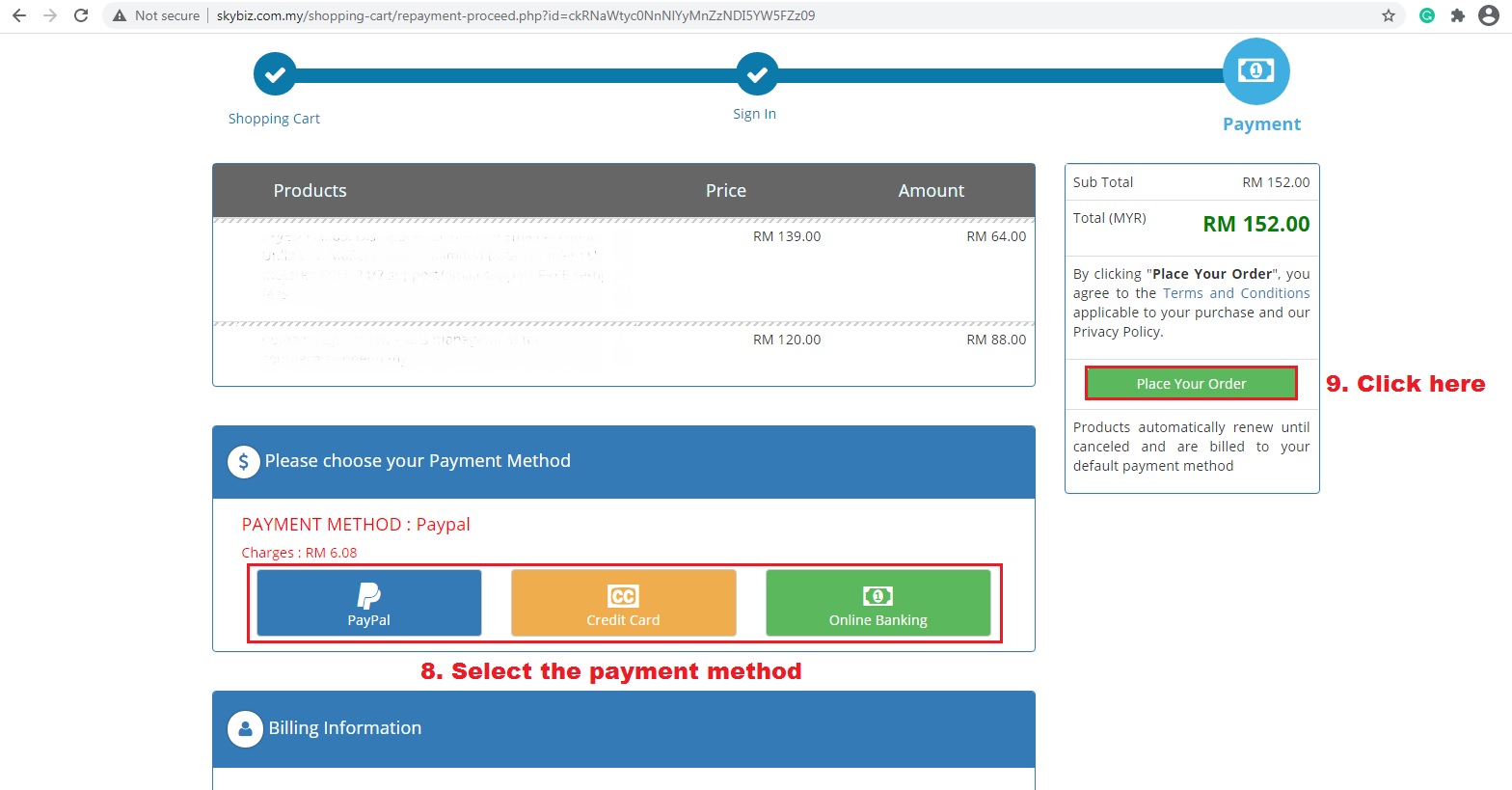
Choose payment method
4. Choose your payment method
5. Click Place your order to proceed with the payment page
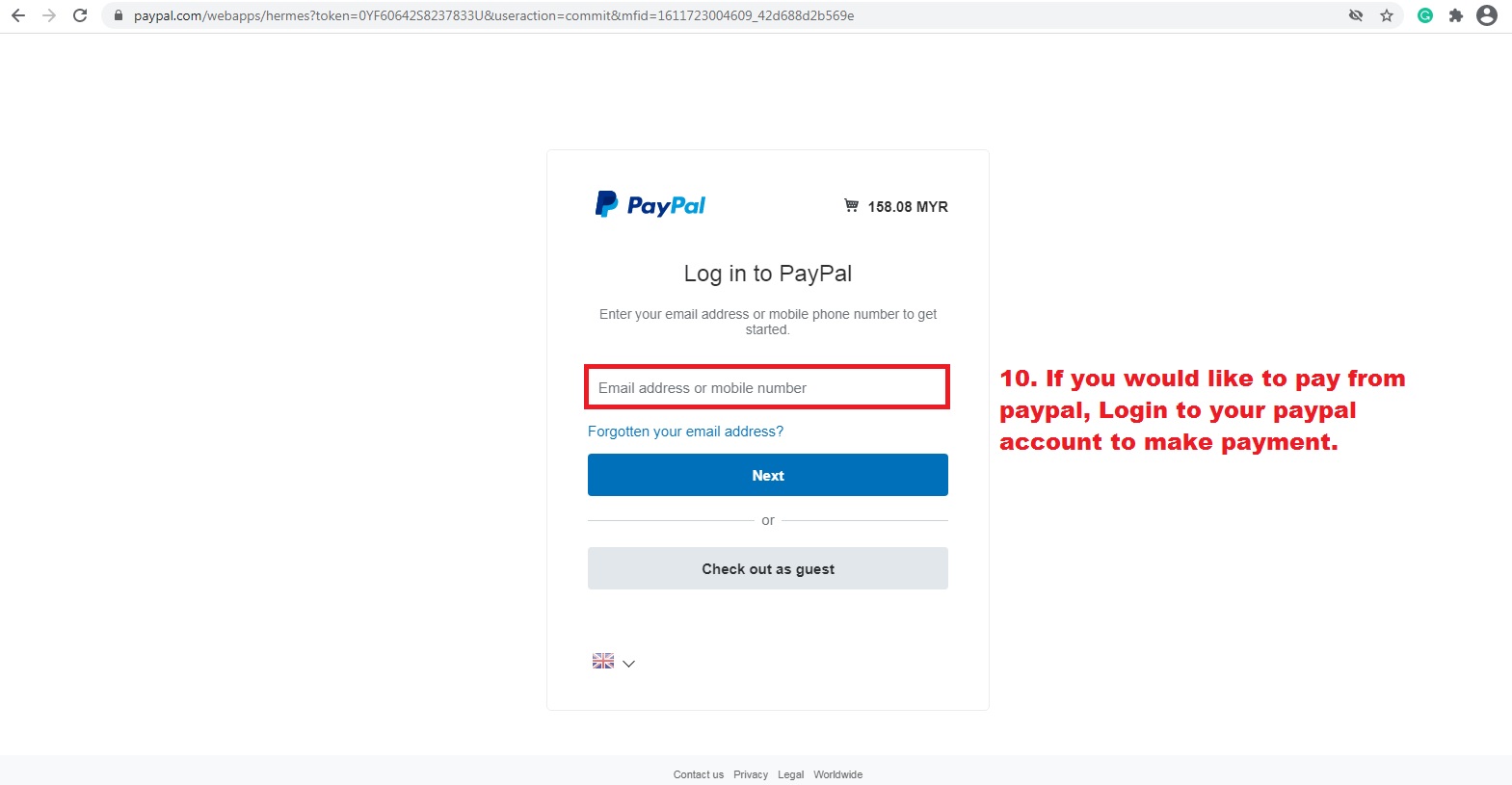
6. If you would like to use PayPal, then login to your PayPal account and make payment.