Below are guideline(s) to import data from excel into SkyBiz Cloud:
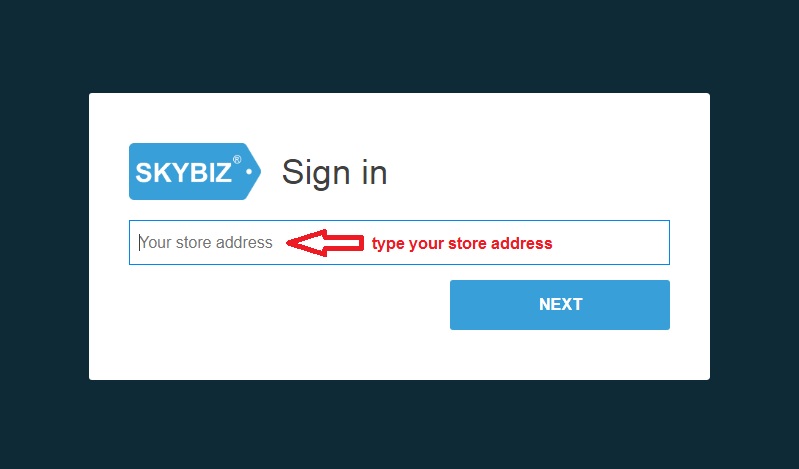
- Go to Google Chrome and type “https://skypos.com.my/“, click login and type your store address.
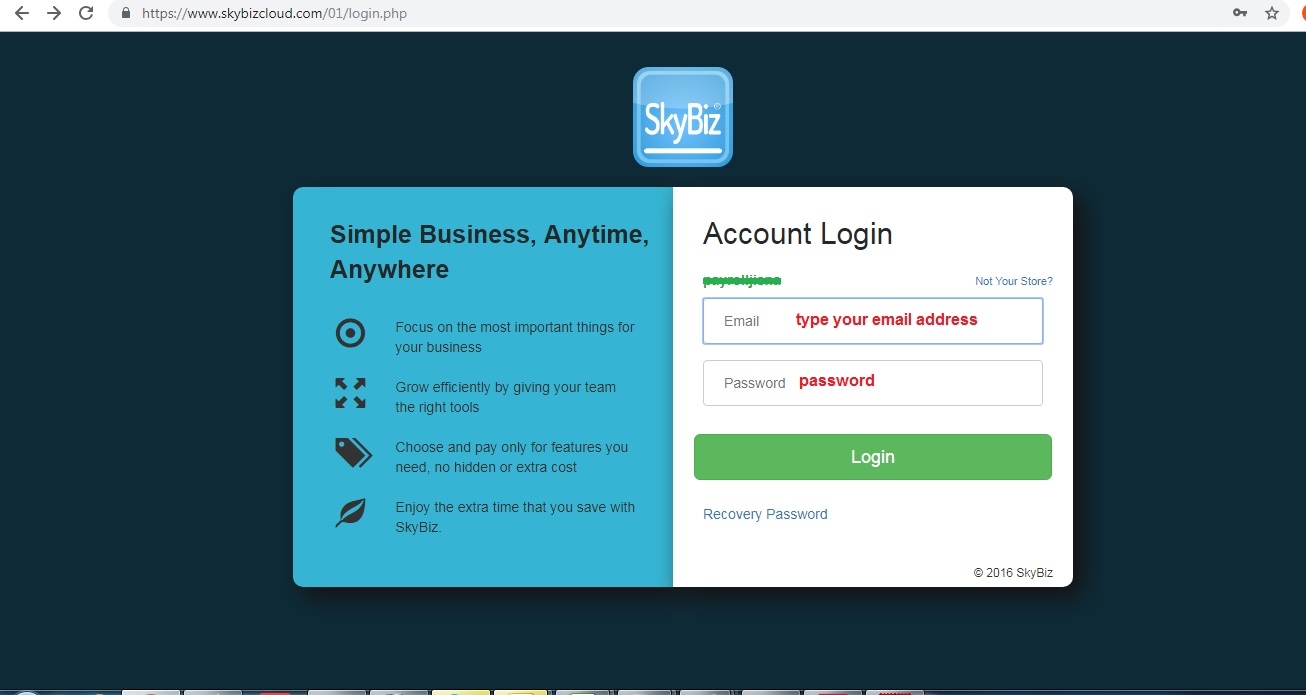
- Type your user id and password.
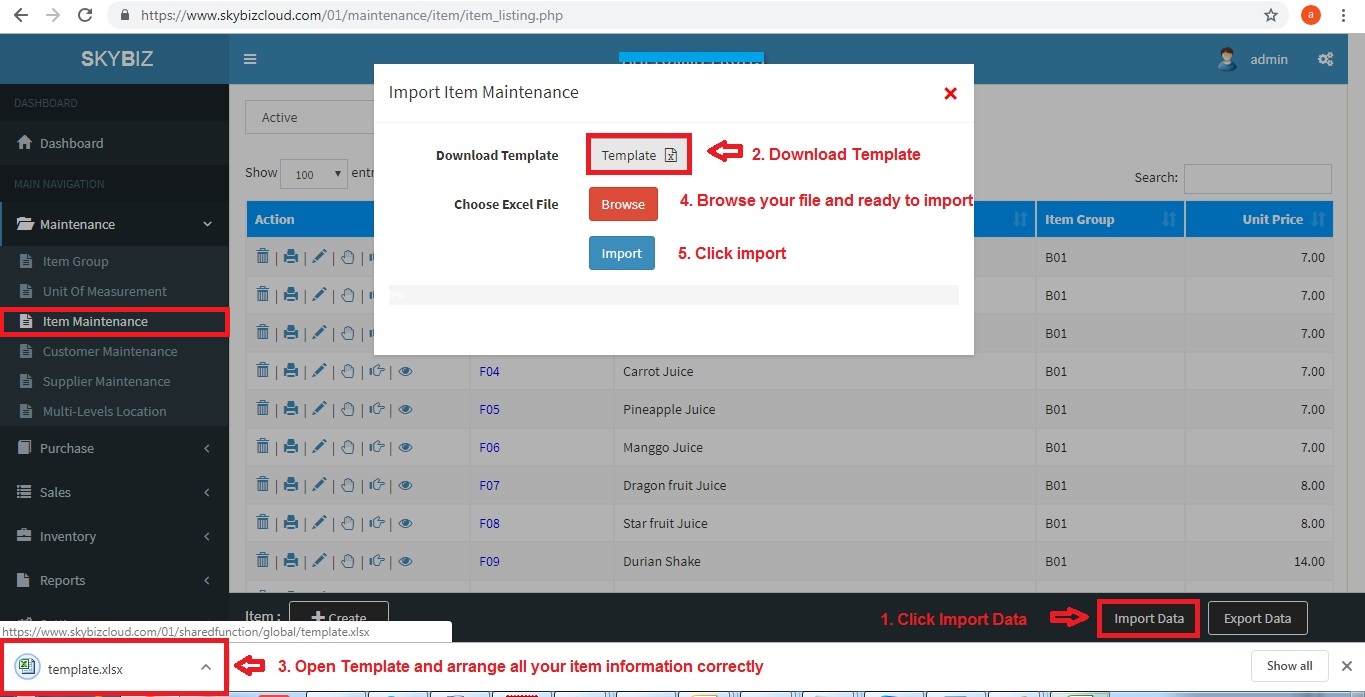
- Click Item Maintenance and click “Import Data“
- In import item maintenance screen, download template and fill up all item information correctly.

Powered By : SKYBIZ ® Beyond Cloud ™