Below are Guideline(s) to Register Android Device in Cloud:
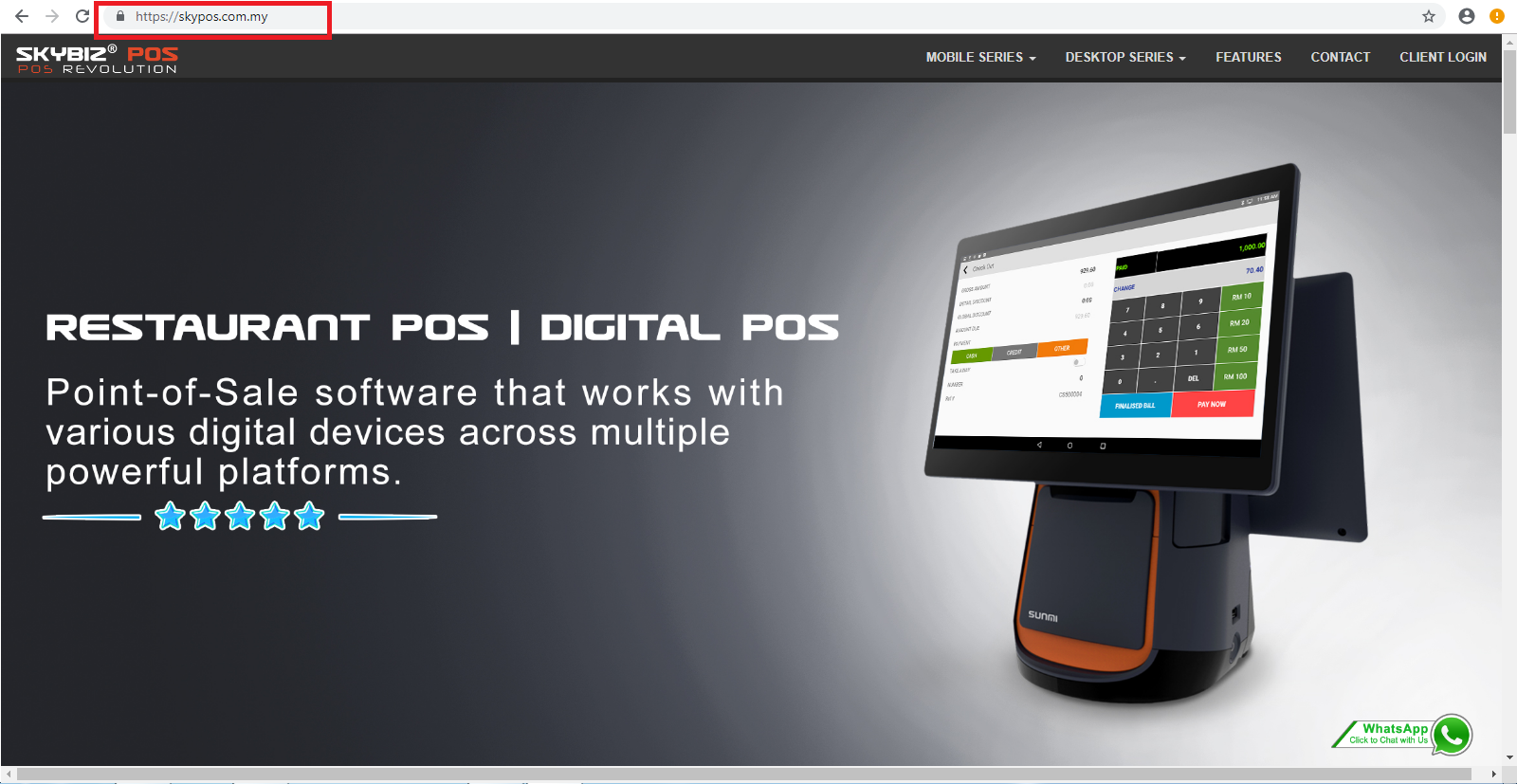
- Go to browser “Google Chrome“, type “https://www.skypos.com.my/“, click “Client Login“.
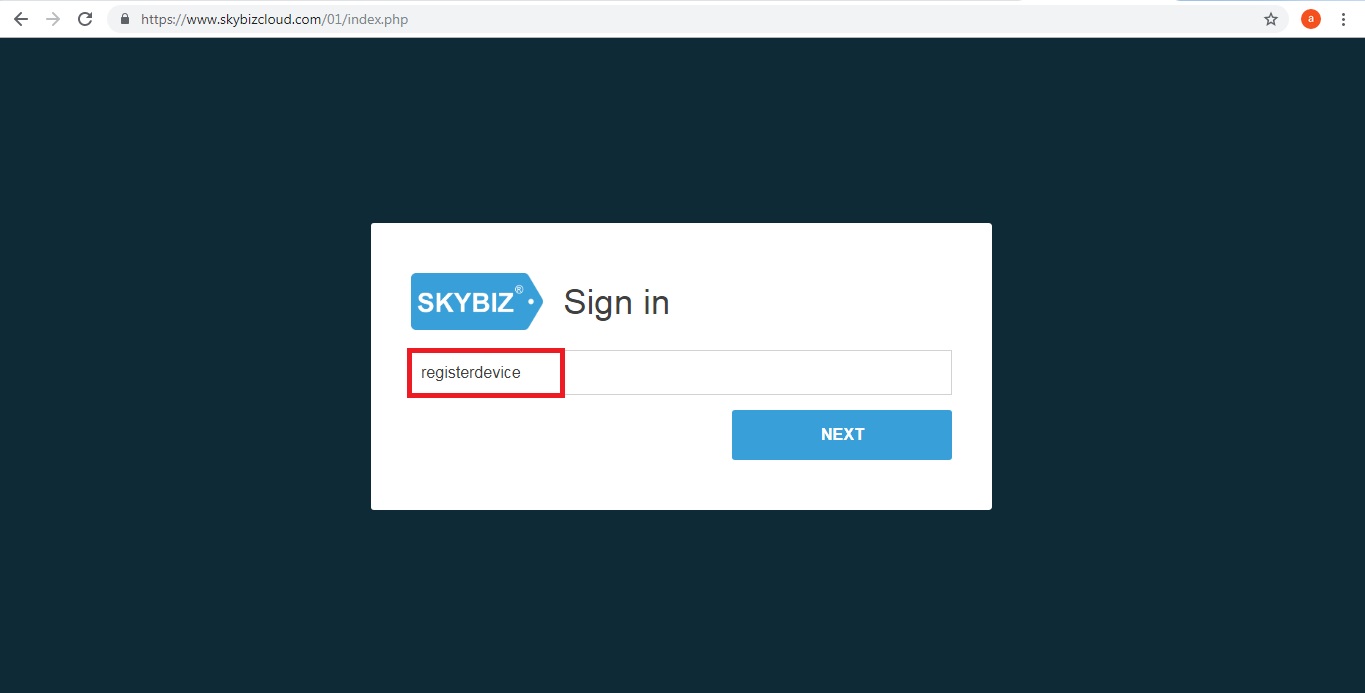
- Key in “registerdevice” >> NEXT
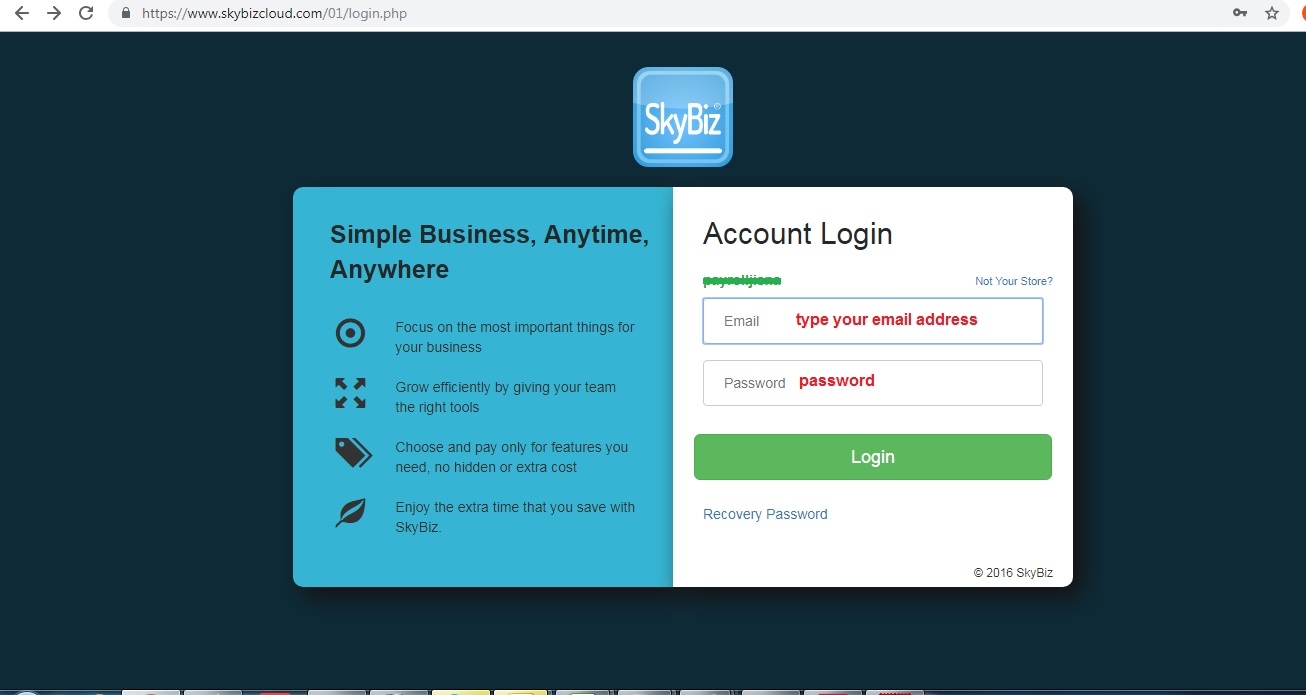
- Login with your email address and password.
- Fill up all information (Follow screen shot steps)
- Select preset “Store Address“
- Fill up your “Device ID“, Branch Code, Location Code, Department Code, Sales Person Code, Counter Code
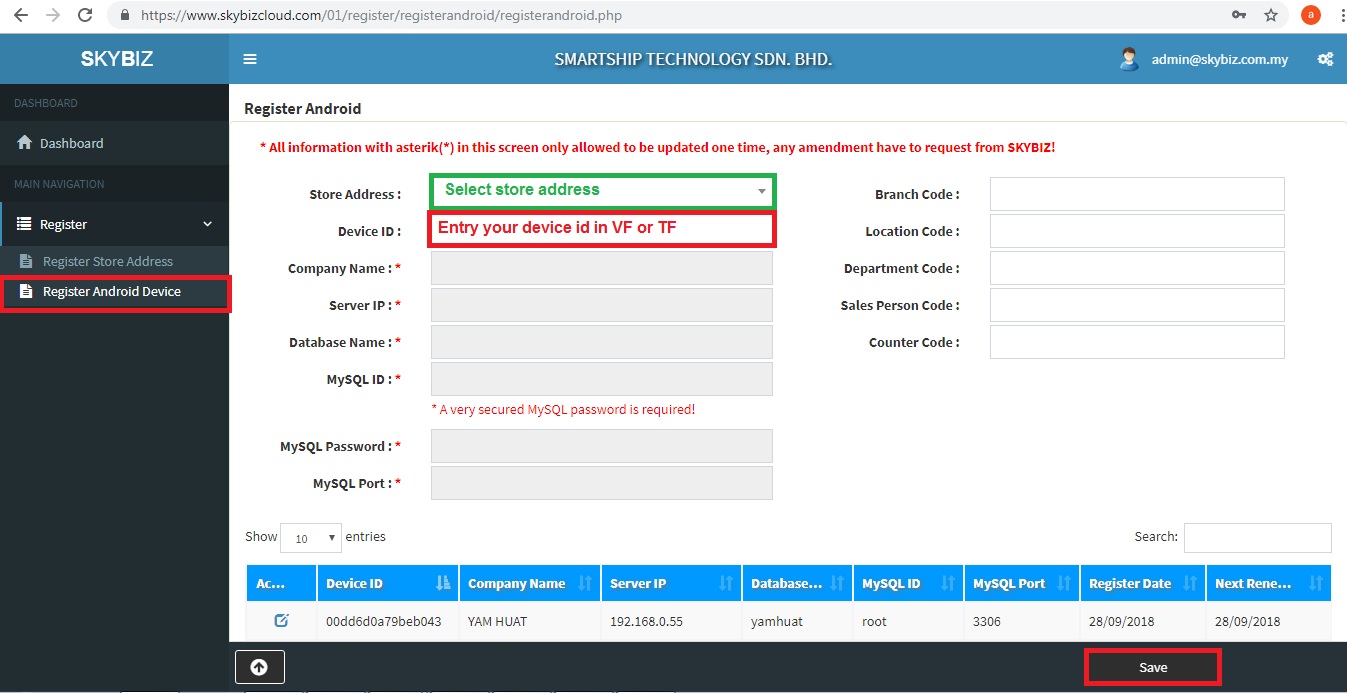 .
.- Last step, click “Save” to save information.
Powered By : SKYBIZ ® Beyond Cloud ™