Below are Guideline(s) to Install and Upgrade Pos System in Android Device:
-
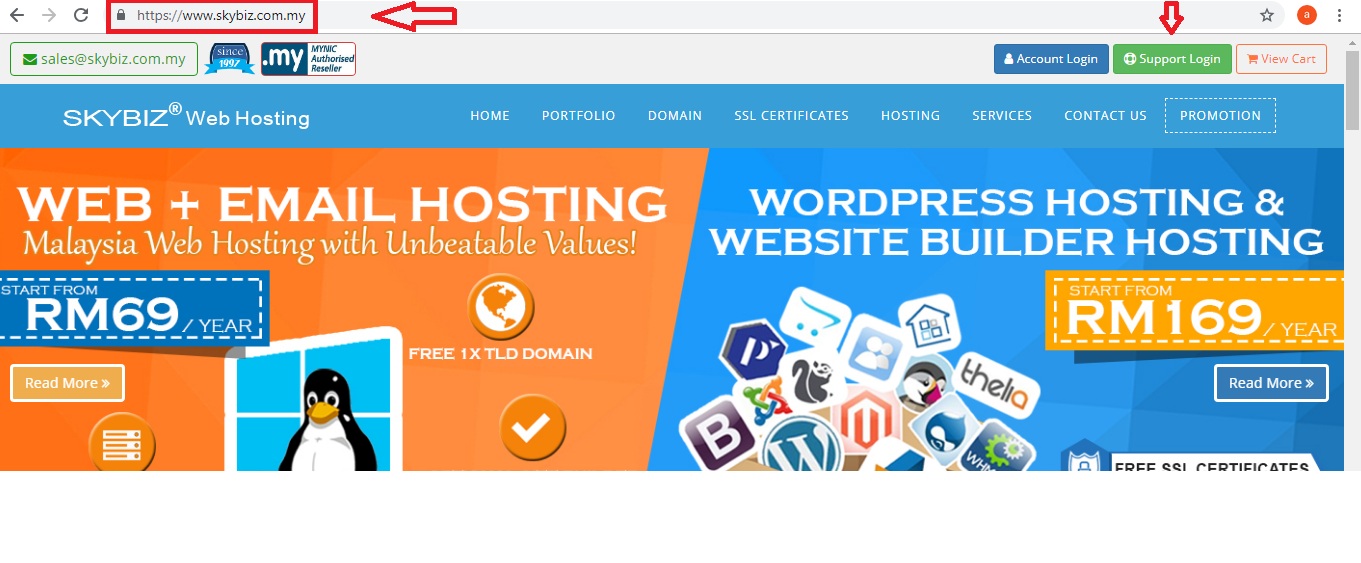
- On your devive, go to browser “https://www.skybiz.my/” and then click “Support Login“
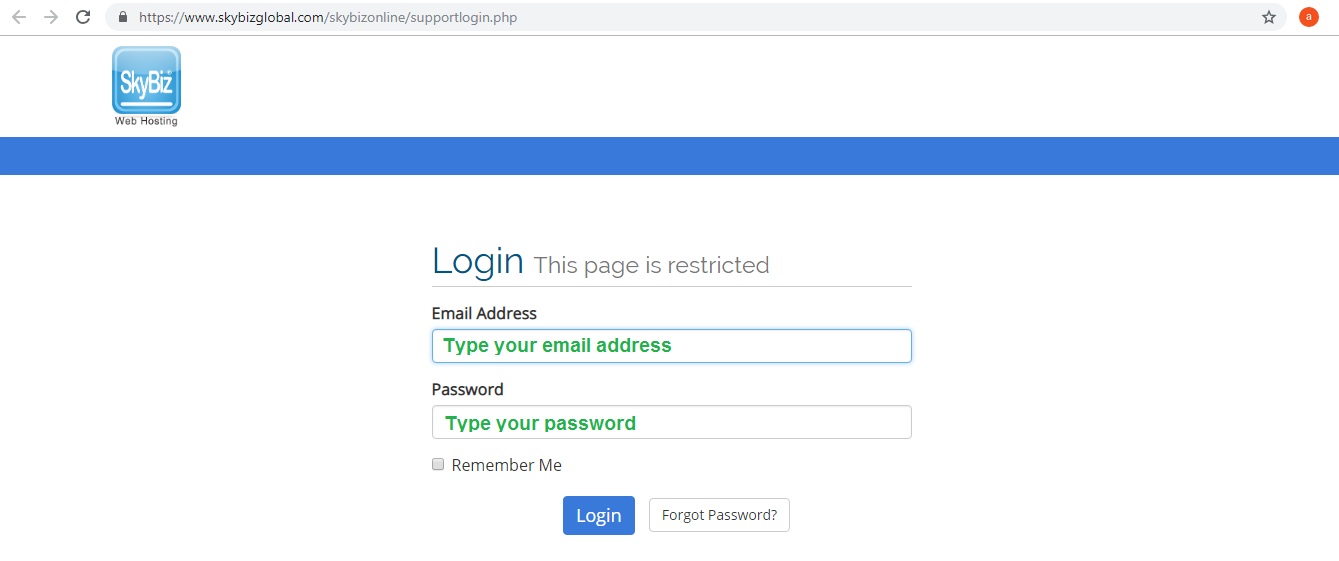
- Type your “Email Address” and “Password“
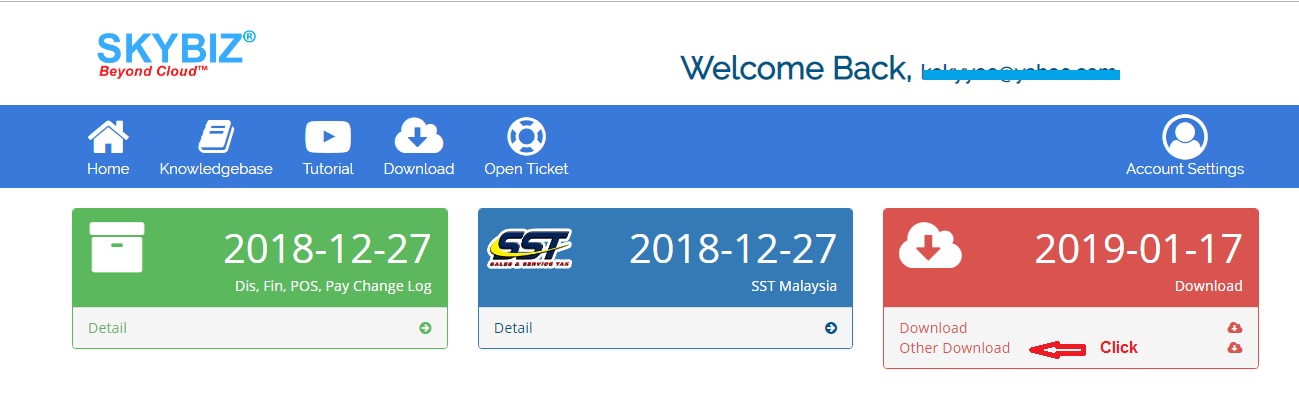
- Click menu “Other Download“
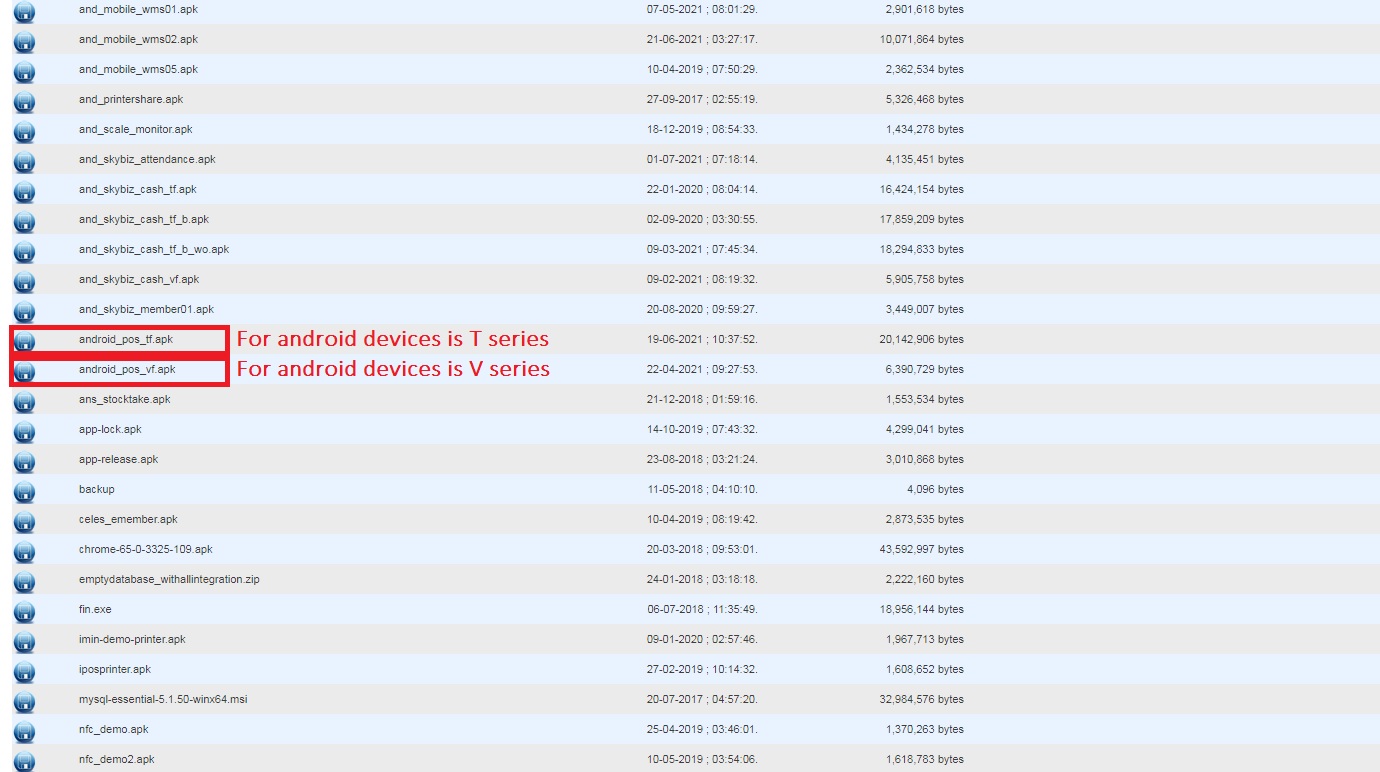
- If your android devices is T series, click an icon “android_pos_tf.apk” to download and run
- If your android devices is V series, click an icon “android_pos_vf.apk” to download and run
- On your devive, go to browser “https://www.skybiz.my/” and then click “Support Login“
SkyBiz Product(s):
SkyBiz E-Leave|E-Claim|E-Payyroll|E-HR Management|Online Payments for Salary, EPF, SOCSO, LHDN
SkyBiz Cloud Point Of Sales| Android Point Of Sales |Mobile Point Of Sales
SkyBiz Web Hosting | SkyBiz Server Hosting